5016072 A 127
5
Maintenance
System Maintenance
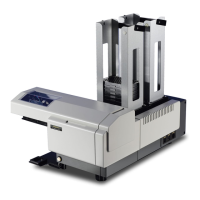
The StakMax
®
microplate handler requires very limited maintenance.
Weekly Maintenance
Wipe down the outside surfaces of the instrument with a slightly damp
cloth.
CAUTION! Do not use caustic cleaners to wipe down the instrument.
As-Needed Maintenance
Realign the unit if it has been moved or has gone out of alignment. For
detailed instructions on alignment, see Aligning the StakMax Gripper on
page 58, or Aligning the Microplate Transfer Position on a SpectraMax
Paradigm Instrument on page 62. Following alignment, perform a
functional check. See Performing a Gripper Functional Check on
page 78.
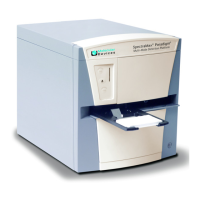
SpectraMax Paradigm System Maintenance
The following maintenance procedures apply only to the SpectraMax
Paradigm instrument.
Removing the StakMax instrument from
the instrument stand
You might need to move the StakMax instrument to access the
cartridge drawers.
To remove the StakMax Instrument from the instrument stand
1. Turn off th e power.
2. Disconnect the instrument from the computer.
3. Slide the alignment studs out of the alignment slots.
4. Lift the instrument off the stand and set the instrument on the
workbench.
Note: To attach the StakMax instrument to the instrument stand, see
Installing the StakMax Microplate Handler Stand on page 31.
StakMax-UG-5016072A.book Page 127 Friday, October 21, 2011 3:51 PM



 To Next Page