Installation and Set Up
44 5016072 A
Connecting the StakMax Cables
The StakMax microplate handler must be connected to power with the
power cable, and to the computer with a USB cable.
To connect the cables
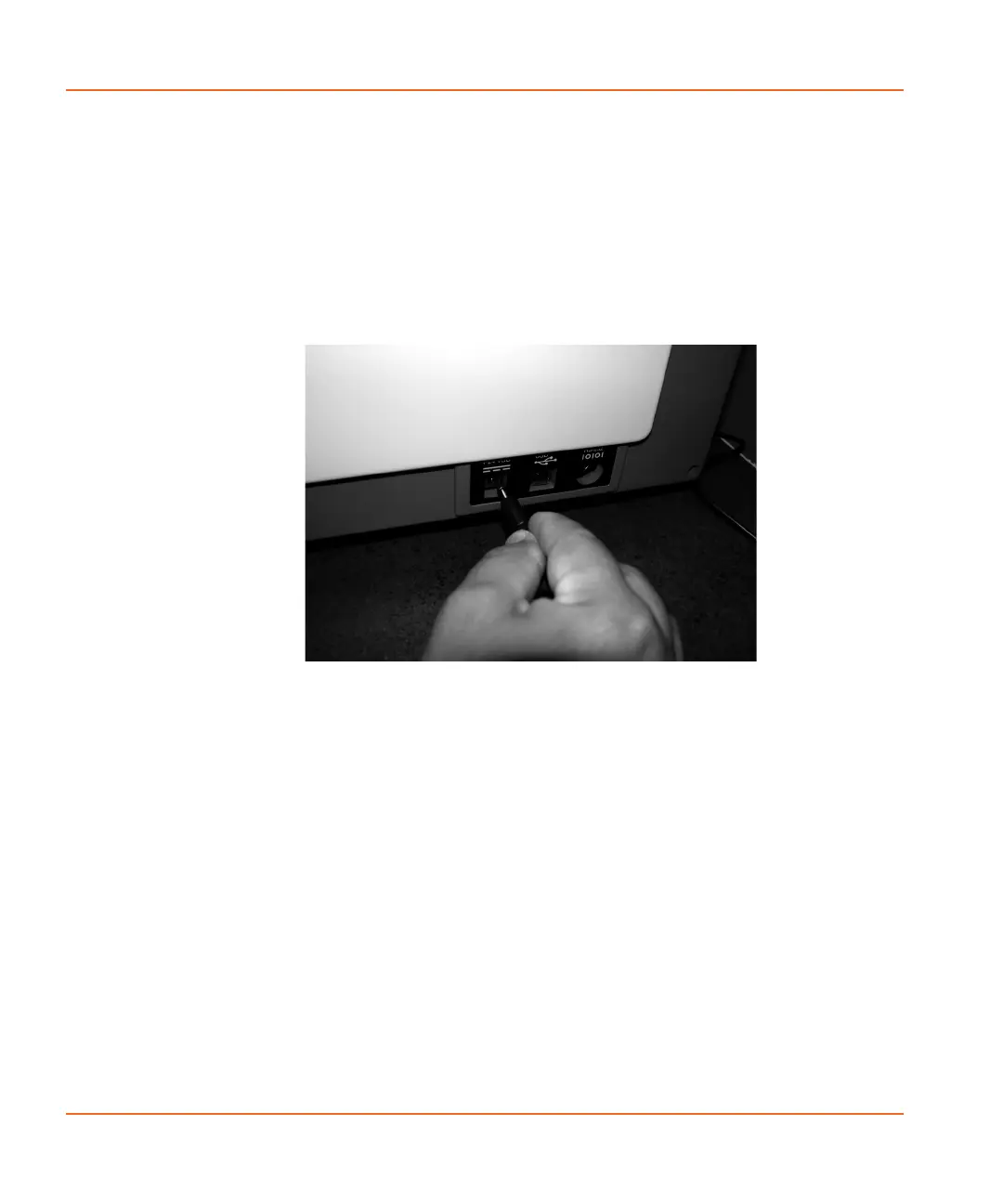
1. Connect the instrument to the power supply by plugging the
1/4-inch metal connector into the DC input on the right side of
the StakMax instrument.
Figure 2-34 Connecting the power cord to the instrument.
StakMax-UG-5016072A.book Page 44 Friday, October 21, 2011 3:51 PM














 To Next Page