StakMax Microplate Handling System User Guide
5016072 A 43
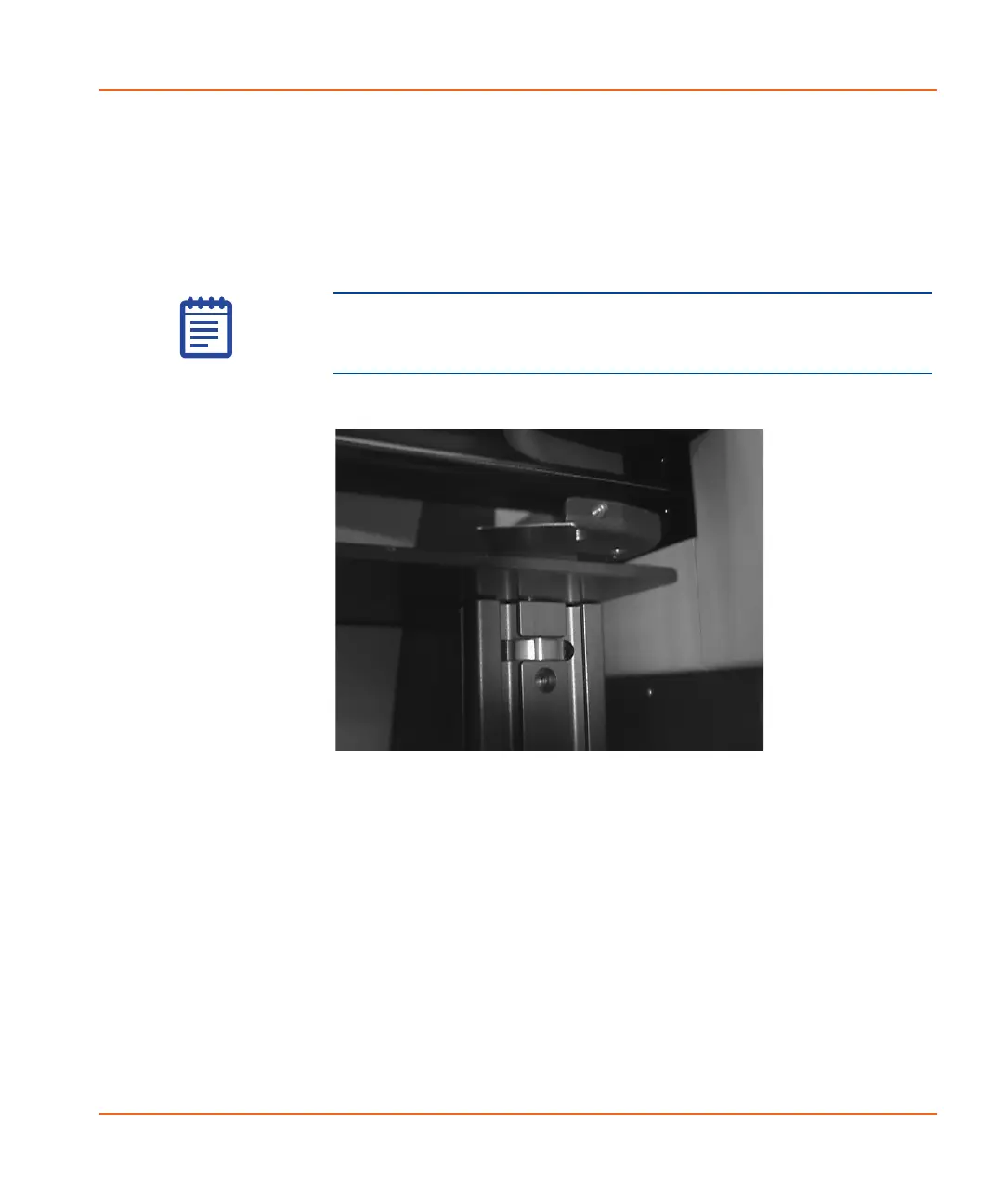
5. Turn the adjustment wheel until the Gap Distance Check Tool
comes into light contact with the top of the protection plate and
the bottom of the plate drawer. See Figure 2-33.
To move the top of the plate drawer protection stand up,
turn the adjustment wheel to the left.
To move the top of the plate drawer protection stand down,
turn the adjustment wheel to the right.
Figure 2-33 Adjustment wheel on plate drawer protection
stand
6. Connect the StakMax cables. See Connecting the StakMax
Cables on page 44.
Note: When the gap is set properly, the Gap Distance Check
Tool should slide easily between the plate drawer and plate
drawer protection stand.
StakMax-UG-5016072A.book Page 43 Friday, October 21, 2011 3:51 PM














 To Next Page