Installation and Set Up
42 5016072 A
Setting the Plate Drawer Protection Stand Height
Before using the StakMax microplate handler, set the height of the
plate drawer protection stand to a safe distance between the top of the
plate drawer protection stand and the bottom of the plate drawer.
To set the plate drawer protection stand height
1. Turn the adjustment wheel on the plate protection stand to the
right until the top of the plate is in the fully lowered position.
2. Open the reader plate drawer by pressing the appropriate
button on the plate reader’s keypad. See the SpectraMax
®
Paradigm
®
Multi-Mode Detection Platform User Guide.
3. If the reader plate drawer opens on the opposite side from the
stacker arm, leave the plate drawer open and power down the
reader. Then you can manually slide the plate drawer to the side
until it stops in position under the stacker arm. Continue with
the reader powered off.
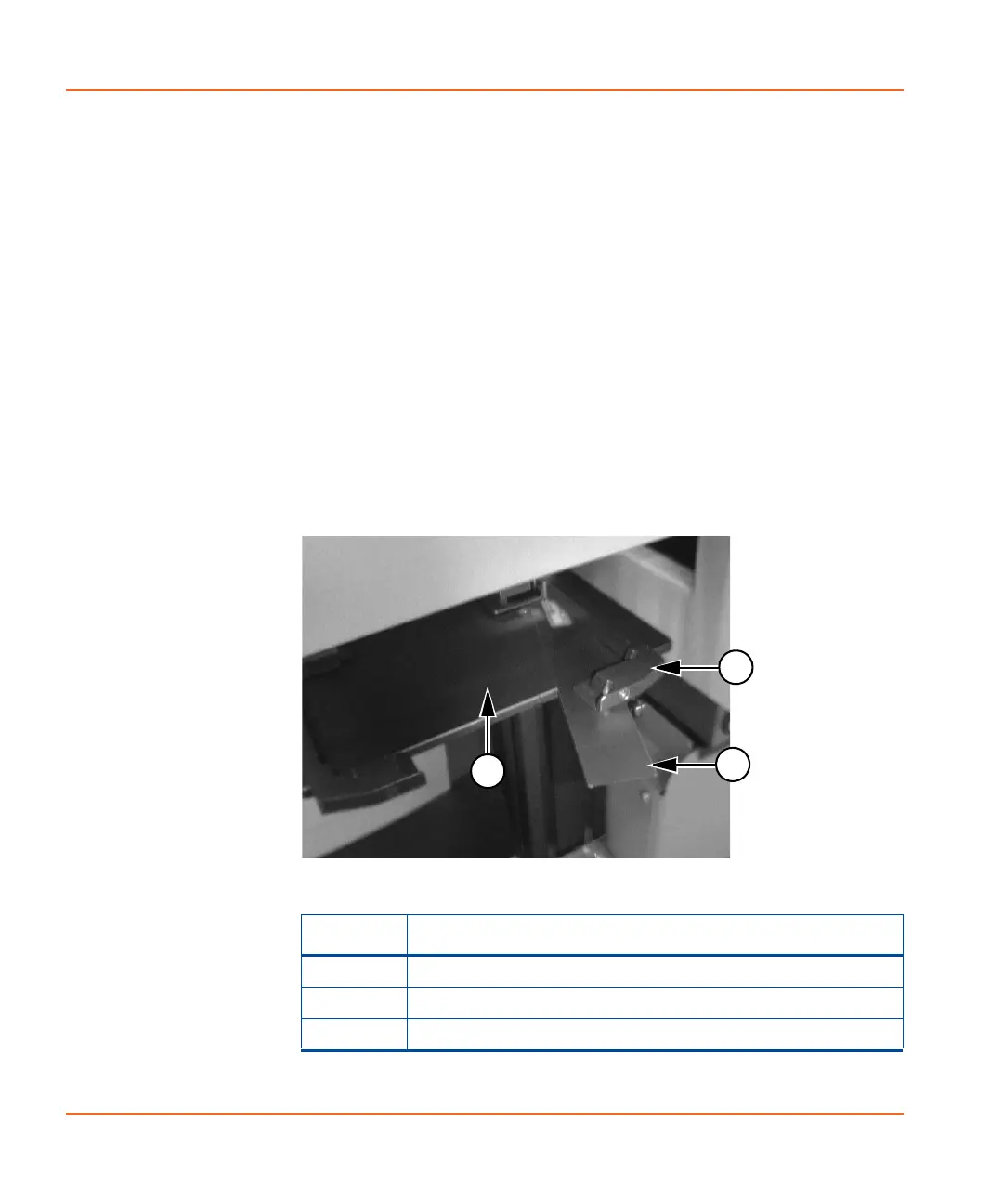
4. Insert the Gap Distance Check Tool between the top of the
protection stand and the bottom of the plate drawer.
Figure 2-32 Inserting the Gap Distance Check Tool
Item Description
1 Plate Drawer Protection Stand
2Plate Drawer
3 Gap Distance Check Tool
StakMax-UG-5016072A.book Page 42 Friday, October 21, 2011 3:51 PM














 To Next Page