StakMax Microplate Handling System User Guide
5016072 A 121
5. If you do not want to make any further changes to the command
script, go to Saving Scripts on page 125.
OR
If you want to change the order of the commands, go to
Changing the Order of Commands on page 121.
Changing the Order of Commands
To change the order of a command
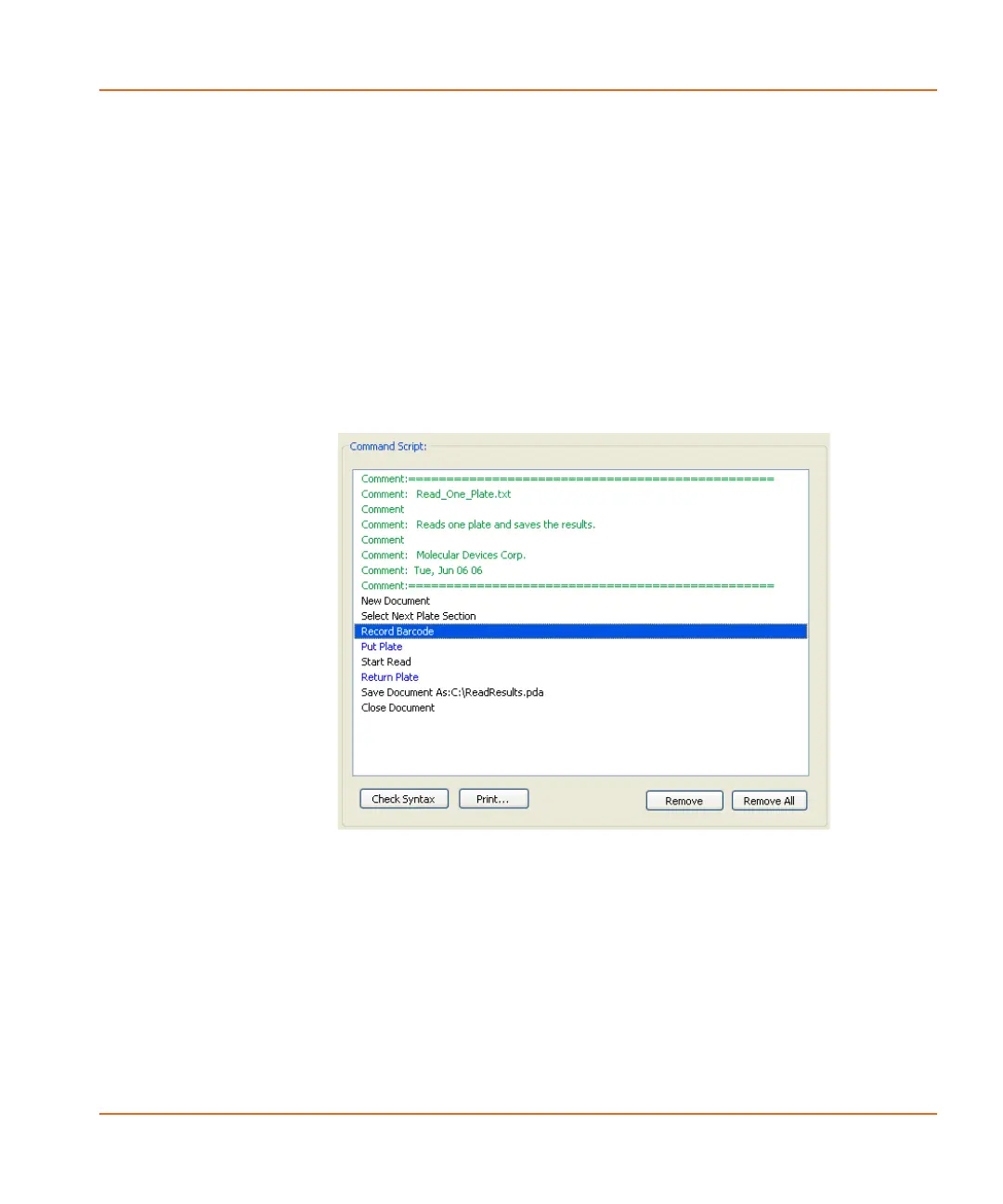
1. Select the command that you want to move and drag it to the
new position in the command script. When you start to drag the
command, a horizontal bar appears to help guide you. See
Figure 4-12.
Figure 4-12 Selecting a command to move.
StakMax-UG-5016072A.book Page 121 Friday, October 21, 2011 3:51 PM














 To Next Page