Installation and Set Up
24 5016072 A
Connecting the AquaMax Baseplate
You must connect the StakMax microplate handler to the AquaMax
plate washer with the provided baseplate and mounting hardware.
Required equipment
• Baseplate
• Allen wrench
• 2 Phillips-head screws
To connect the AquaMax baseplate
1. Place the microplate handler on a hard, level surface. Make sure
that the power supply and round serial port are accessible.
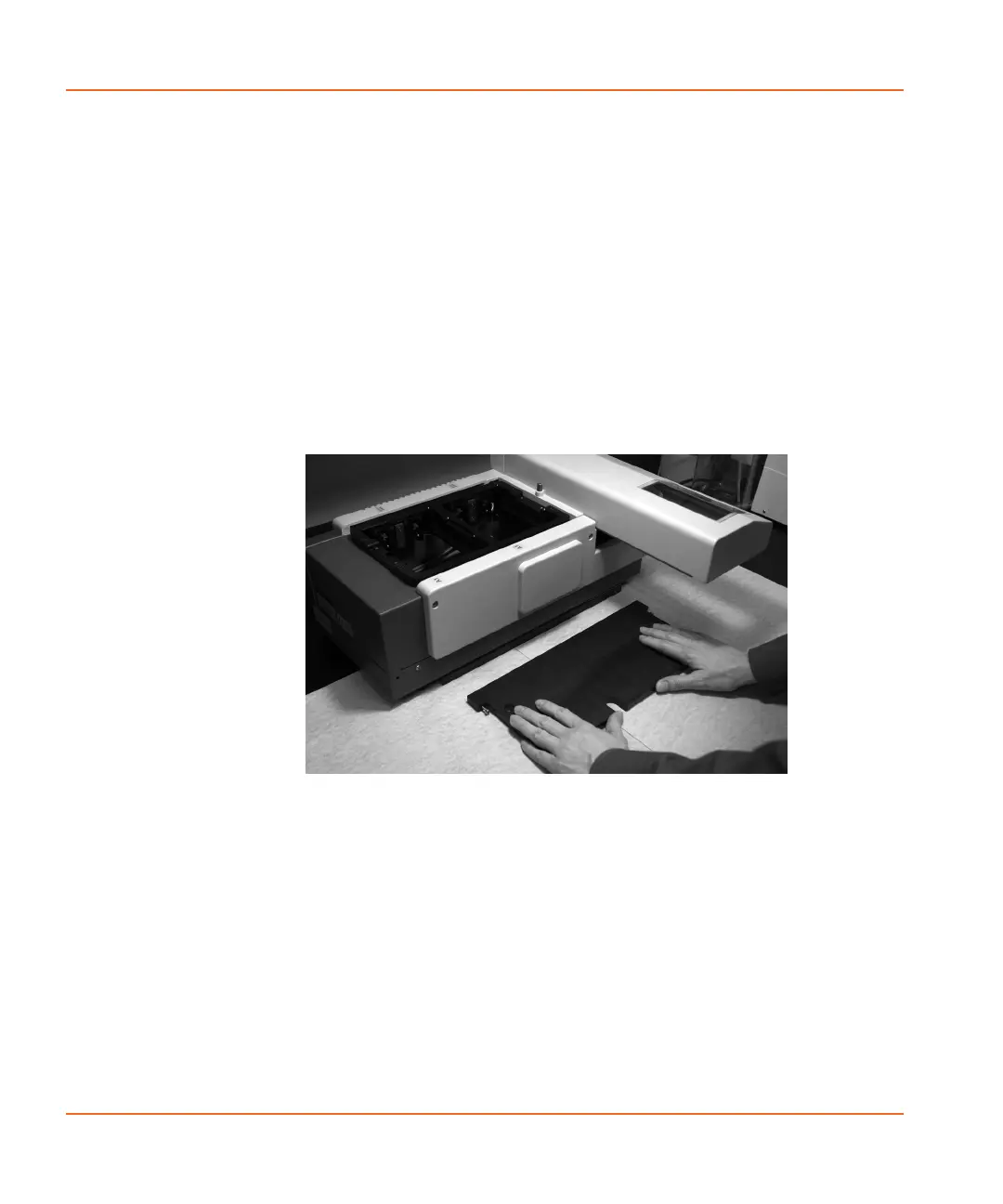
2. Align the AquaMax baseplate with the L brackets on the StakMax
microplate handler. Make sure that This side up is visible on
the baseplate. See Figure 2-11.
Figure 2-11 Aligning AquaMax baseplate to StakMax bracket.
3. Use the two captive screws that correspond to the two holes on
the L bracket to attach the AquaMax baseplate to the L brackets
StakMax-UG-5016072A.book Page 24 Friday, October 21, 2011 3:51 PM














 To Next Page