5016072 A 79
3
Operation
This chapter describes the operation of the StakMax
®
microplate
handler and software integrated with a supported Molecular Devices
microplate instrument. For operation of the StakMax microplate handler
integrated with AquaMax
®
microplate washers, see the AquaMax
®
2000/4000 Microplate Washer User Guide.
This section contains the following topics:
• Starting the StakMax Microplate Handling System on page 79.
• Loading the StakMax Microplate Handler on page 80.
• Using StakMax Software on page 95.
• StakMax Settings on page 104.
• Alignment on page 106.
• Status Window on page 107.
• Help on page 107.
Starting the StakMax Microplate Handling System
Turning the StakMax Microplate Handler On and Off
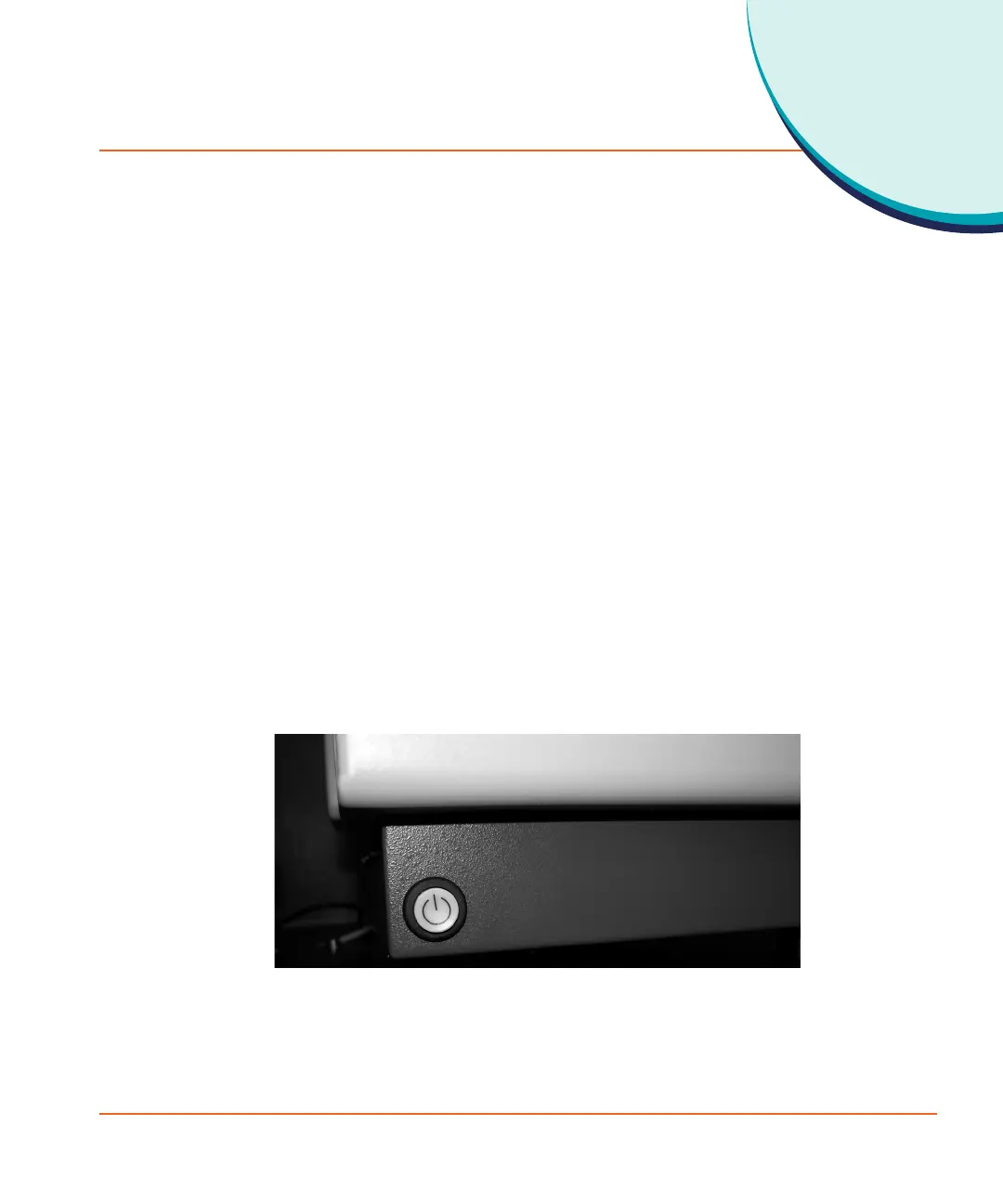
The power button is located on the lower-front side of the StakMax
microplate handler. The Power/Reset button operates as a Power On
button, Emergency Interrupt, and Reset button.
Figure 3-1 The StakMax Power/Reset button.
StakMax-UG-5016072A.book Page 79 Friday, October 21, 2011 3:51 PM














 To Next Page