Operation
96 5016072 A
Start Read
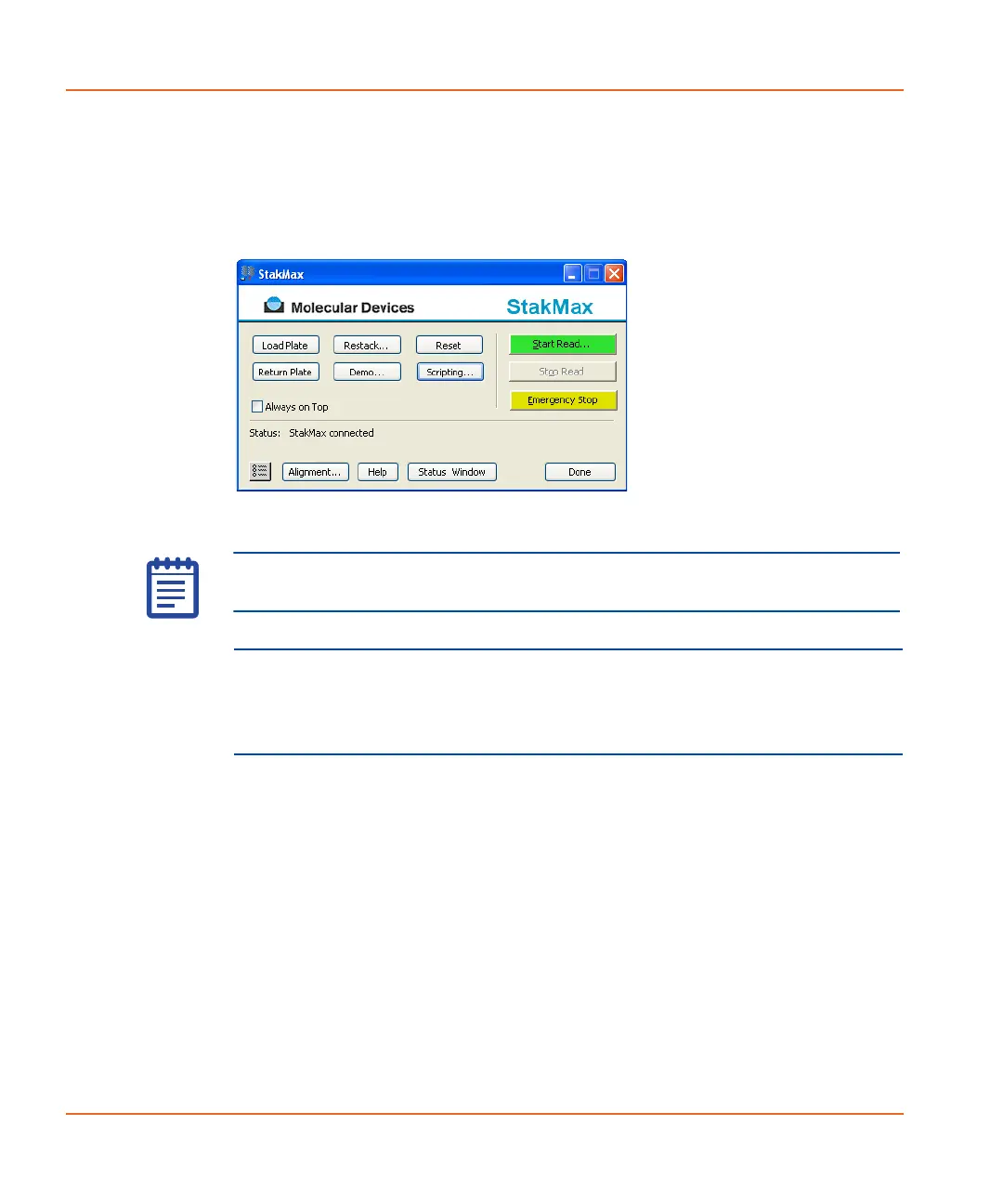
The Start Read button starts a plate read. This button is green when
the software and instrument are ready to start a reading. See Figure 3-
18.
Figure 3-18 Start Read button in green.
CAUTION! To prevent data loss, make sure that Auto Save is enabled
for each protocol you want to run before you start the StakMax
software to run automated reads. Refer to the SoftMax
®
Pro User Guide
for details.
Note: You must have the Auto Save feature turned ON to start a
reading with the Start Read button.
StakMax-UG-5016072A.book Page 96 Friday, October 21, 2011 3:51 PM














 To Next Page