StakMax Microplate Handling System User Guide
5016072 A 97
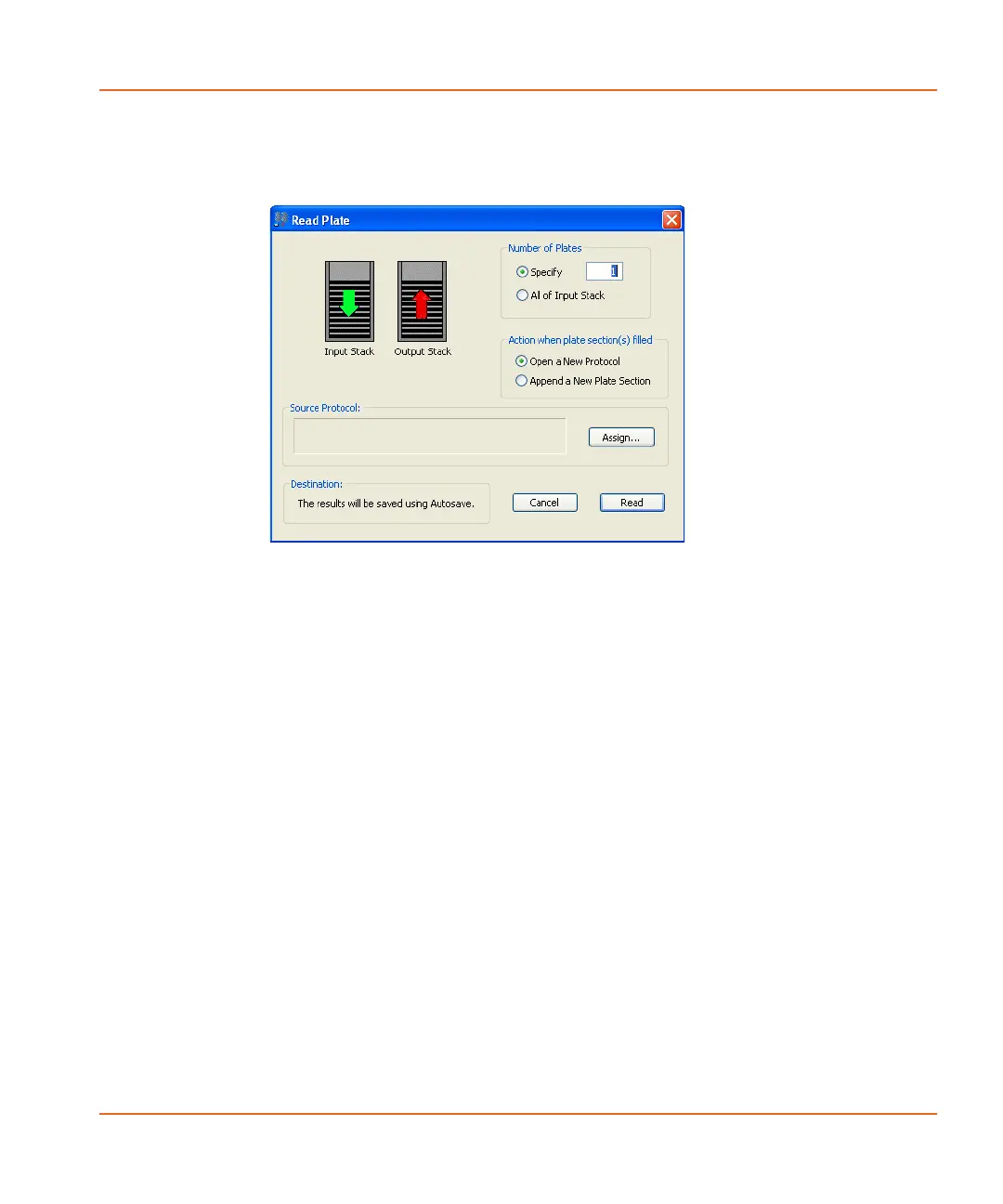
After you click Start Read, the Read Plate window appears. See
Figure 3-19.
Figure 3-19 The Read Plate window.
The Read Plate window is divided into the following sections:
Number of Plates: Type a specific number of plates or select All of
Input Stack.
• If you do not want to read all of the plates in the input stack,
type a specific number of plates. For example, if there are 50
plates in the input stack and you want to read only 10 plates,
type 10 in the Specify field.
• To read all of the plates in the input stack, select All of Input
Stack.
StakMax-UG-5016072A.book Page 97 Friday, October 21, 2011 3:51 PM














 To Next Page