Installation and Set Up
48 5016072 A
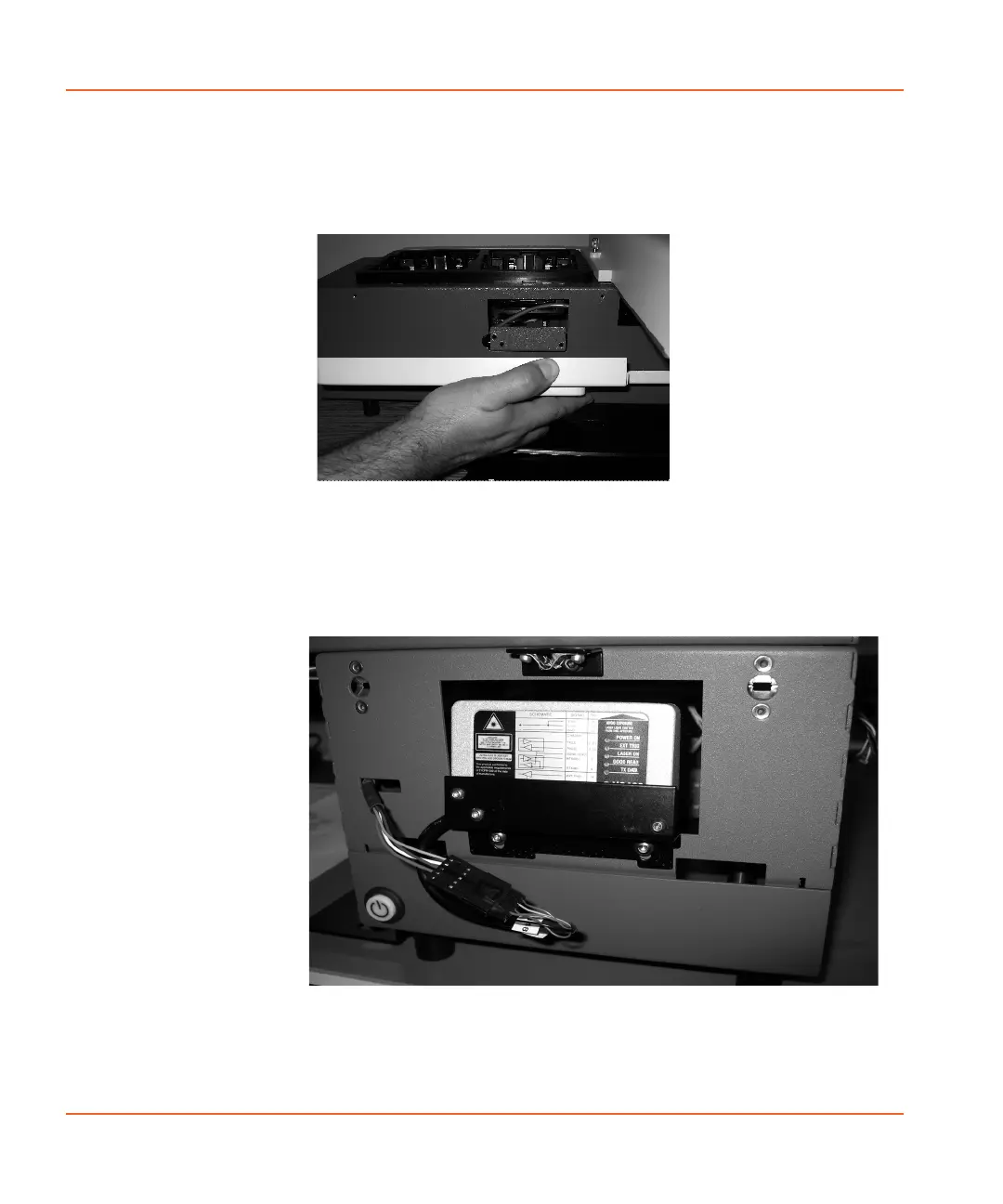
3. To remove the left side panel (when looking at the front of the
StakMax microplate handler), remove the Allen screws and pull
the cover down. See Figure 2-39.
Figure 2-39 Removing the left side panel.
4. Attach the barcode scanner with the three provided screws.
5. Attach the cable on the reader to the connector protruding from
the grey housing. See Figure 2-40.
Figure 2-40 Attaching the cable to the barcode reader.
6. Close the panel, making sure that you do not pinch any wires.
StakMax-UG-5016072A.book Page 48 Friday, October 21, 2011 3:51 PM














 To Next Page