USING THE X-SCRIBE
SECTION 3
11
Starting the X-Scribe
Turn the system power switch ON. After Windows completes the boot-up sequence, a password will be requested.
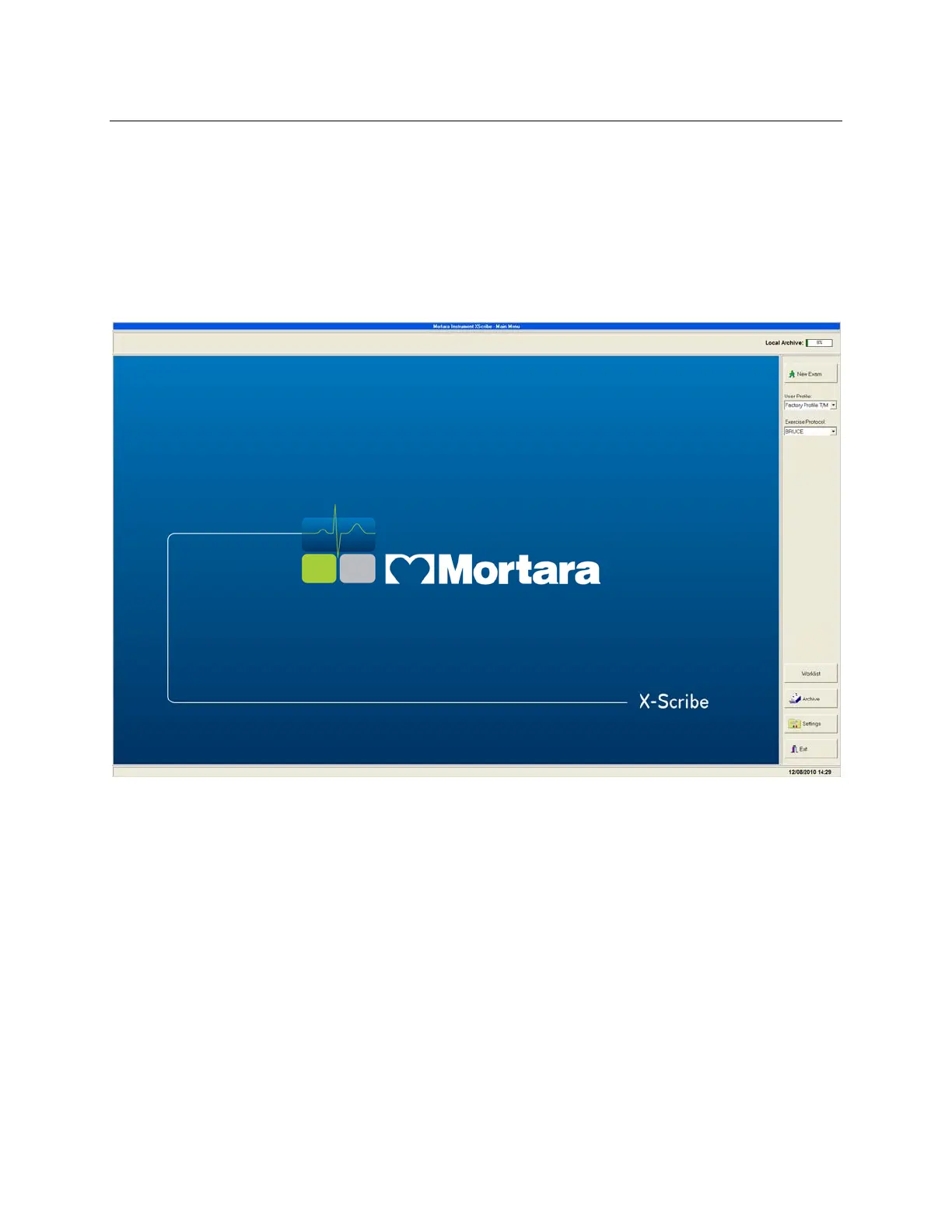
Enter the system password and the X-Scribe startup screen will appear. If the startup screen does not appear, double
click the X-Scribe icon on the computer desktop.
Figure 3-1
CAUTION: Do not run any other applications, including screen savers, when performing a stress test.
Once the test has begun, the X-Scribe application does not allow the user to access other system functions.



 To Next Page