APPENDIX F
80
A4 Paper Spacer Insertion
If your Z200+ thermal writer was ordered with A4 paper, the paper-tray spacer will be inserted in the paper tray. If
units are purchased with standard paper, the paper-tray spacer will not be provided.
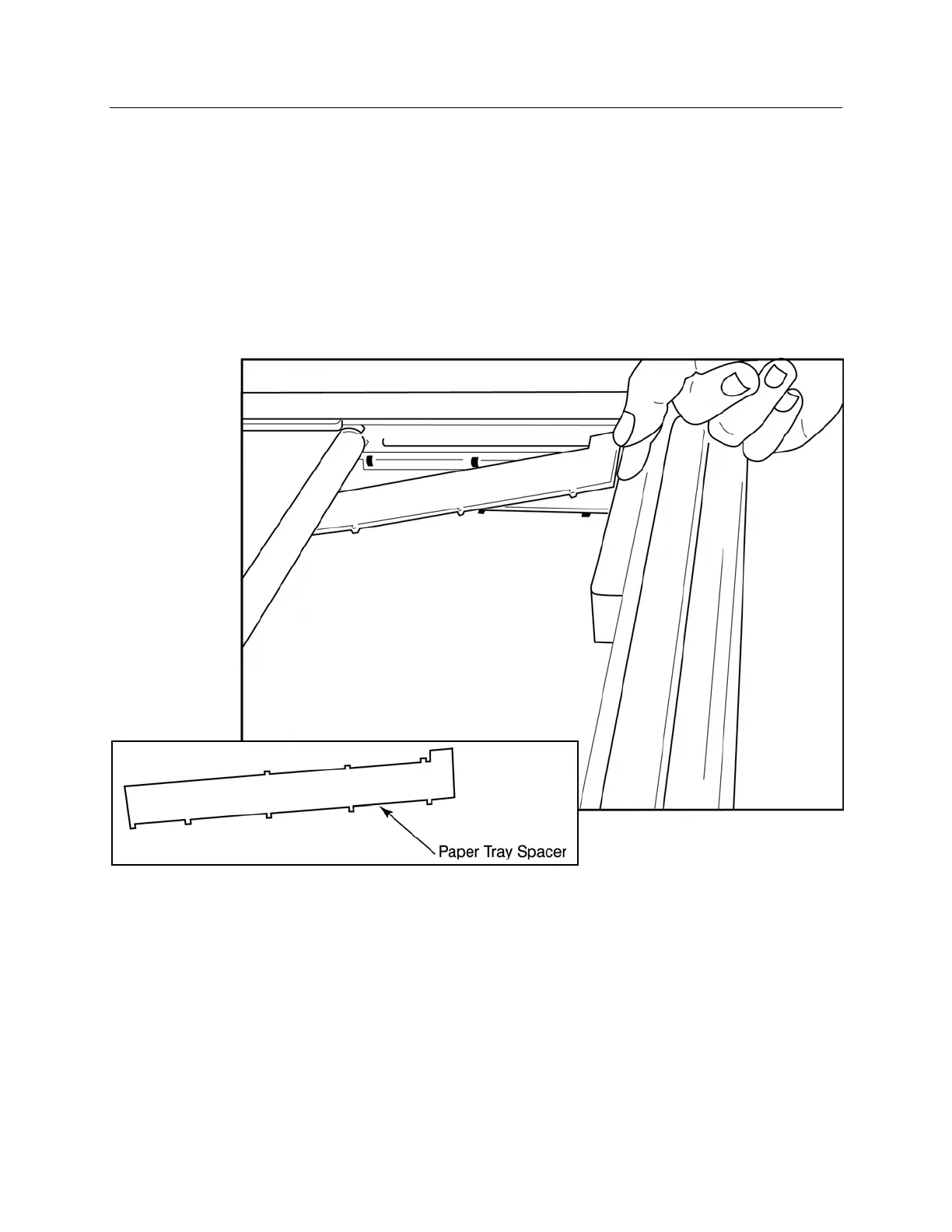
To insert the paper-tray spacer:
Figure F-5
1. Slide paper-tray spacer towards rear wall of writer tray. Align the bottom four plastic arms with the four
openings in the base of the writer tray. Similarly, align the top 3 plastic arms with the three openings on the
rear wall of the writer tray.



 To Next Page