68 of 82 MANUAL-75-v2.0
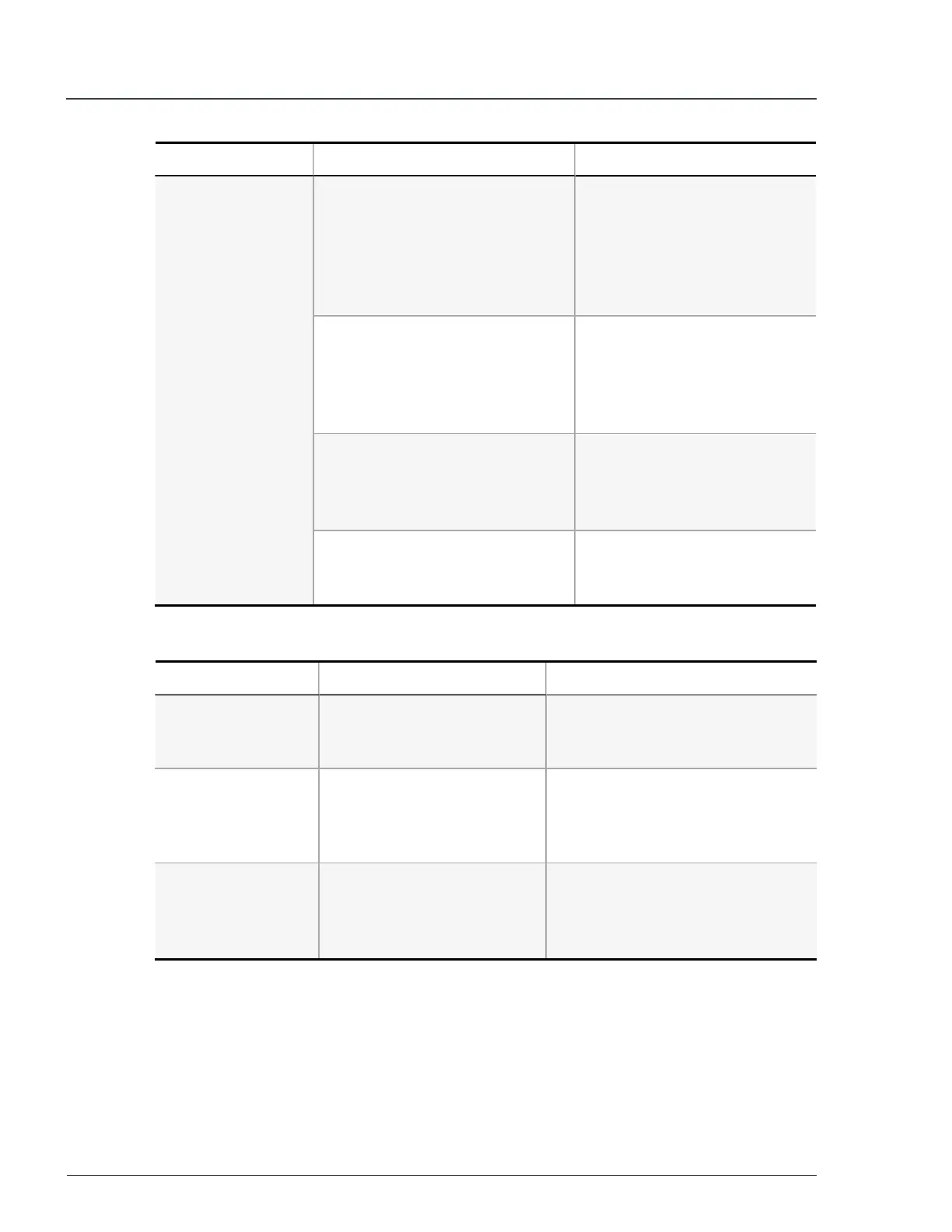
Symptom Possible cause Solution
The unit does not
output power.
The emergency stop button is
depressed.
1. Turn the control knob to
STANDBY
.
2. Twist and release the
emergency stop button.
3. Turn the control knob to
RUN
.
Control panel circuit breaker has
tripped or is in the
OFF
position.
1. Unplug the load from the
tripped Control panel
outlets.
2. Set the tripped circuit
breaker to
ON
.
Twist-lock circuit breaker has
tripped or is in the
OFF
position.
1. Unplug the load from the
tripped twist-lock outlet.
2. Set the tripped twist-lock
circuit breaker to
ON
.
Main circuit breaker and/or twist-
lock circuit breakers are in the
OFF
position.
Set the main circuit breaker
and/or the twist-lock circuit
breaker to the
ON
position.
Table 3 - Fault codes
Fault code Description Solution
SERVICE MODE
Maintenance work is being
done on the unit.
Primary functions disabled.
Contact Moxion Power for details
of any maintenance requests.
HV NOT AVAIL
An internal fault preventing
high voltage (HV) activation.
Primary functions disabled.
Press the emergency stop button
and then release the button.
If this does not clear the fault,
contact Moxion Power.
DCDC
An internal fault preventing
the low voltage system from
charging the 12V battery.
Primary functions disabled.
Contact Moxion Power for details
of any maintenance requests.
MP75-600 - User Manual 6 Troubleshooting


 To Next Page