Bolt X Quick Start Guide
42
If any of the encoder cables is unplugged then the encoder
position will be lost.
If you try to change the encoder batteries when the power to
the robot is off then also the encoder position will be lost.
When you connect the base to a different arm or vice versa.
Use the pendant to check if the axes zero properly (the Current Position
of all axes should be less than 1000 pulse indicating they are close to
zero.) To do this:
1. Align the arrows on the arm by eye to bring it to zero position as
accurately as possible (this can be done either with the software or
the pendant in Manual Mode).
2. Go to MAIN MENU → ROBOT → CURRENT POSITION. Check
that the value is close to zero.
3. If one axis is not zero, change the User Profile to Safety Mode. Refer
to Changing User Profile on page 44 for more information.
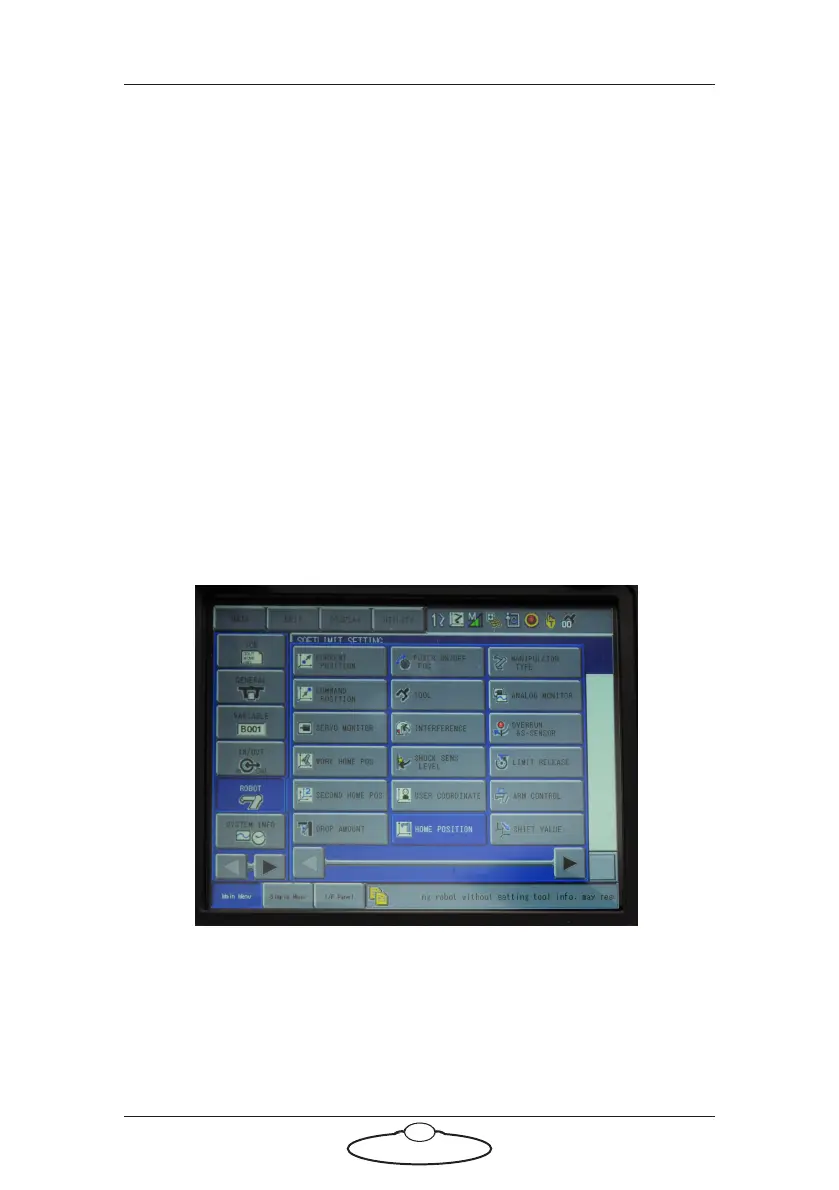
4. Select MAIN MENU → ROBOT → HOME POSITION.
5. Use the up and down arrows to navigate the joint you want to
recalibrate and press the Select button to set it to 0. Sometimes ‘*’



 To Next Page