Bolt X Quick Start Guide
43
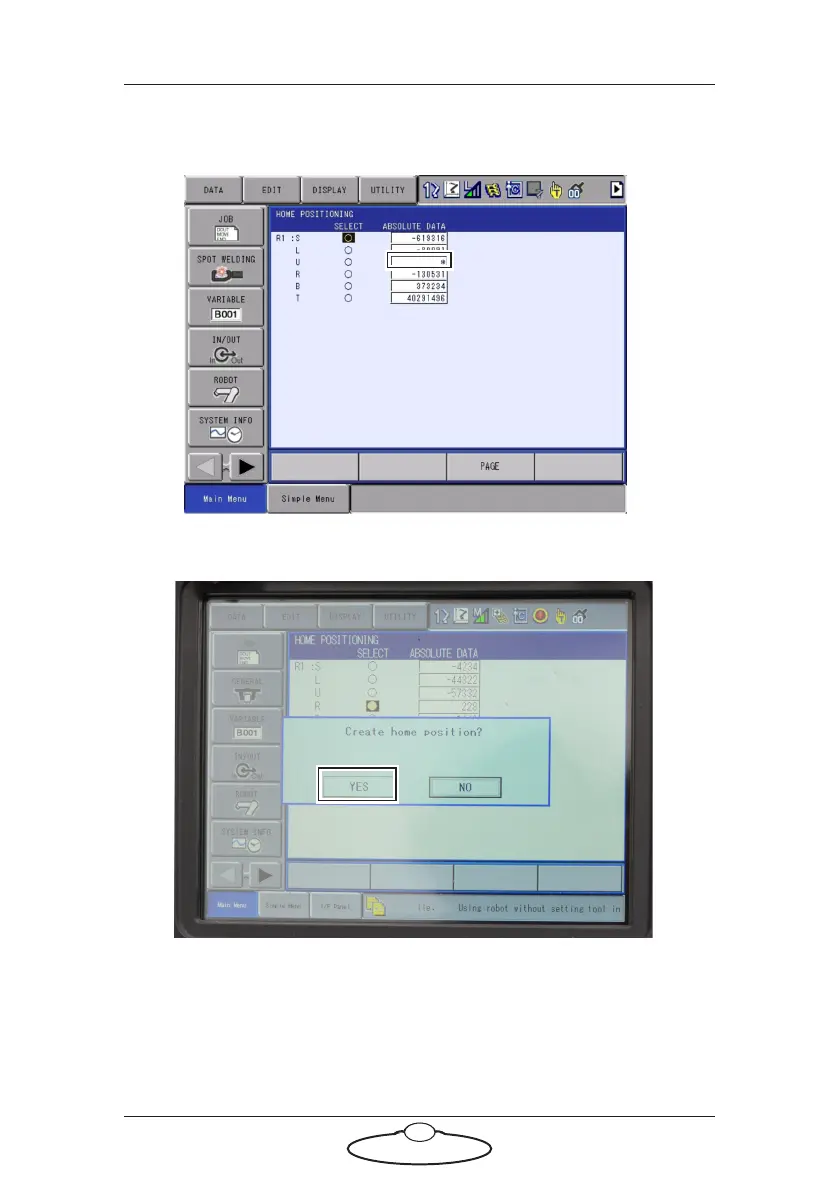
appear instead of absolute encoder position indicating that there is a
problem with the calibration. (In this example, we are using Pan.)
6. A message appears when you press Select. Select Ye s .
The values in the ABSOLUTE DATA column will not change as they
are absolute values. It is the current position values that will change.



 To Next Page