Bolt X Quick Start Guide
51
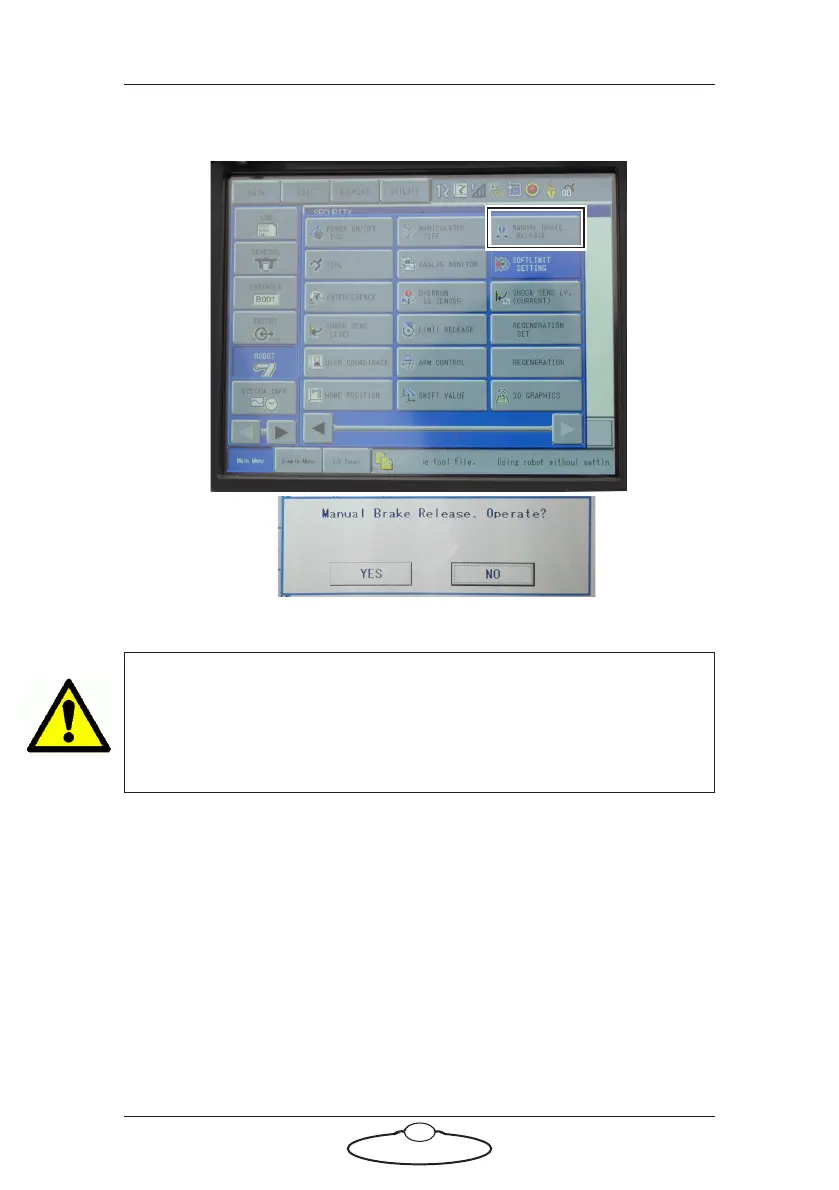
11. Navigate to Robot Manual Brake Release. Scroll to find the
option, if required. Select Ye s for confirmation.
12. Scroll down to the axis for which the brake needs to be released.
WARNING!
It is important that the desired axis is highlighted and people are
prohibited in the isolation area around the robot. Brake release mode
can lead to unforeseeable arm movements.



 To Next Page