Bolt X Quick Start Guide
56
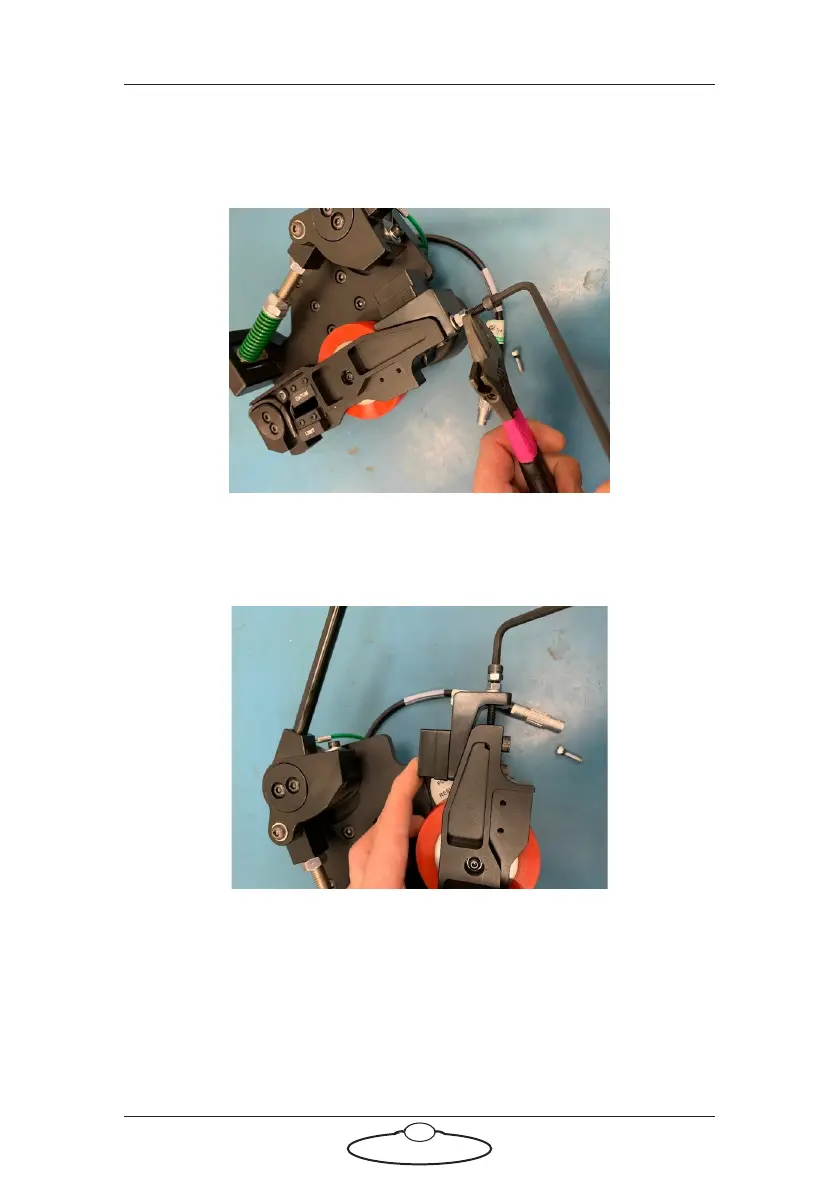
1.2 Once these bolts are slackened, loosen the 4 nuts on the
extruding bolts. We advise that when loosening these nuts, that
an allen key is held in the bolt, as this bolt should not move, it
is designed to stay tight:
1.3 Wind the locking nut out to the head of the bolt, so the
secondary nut can be used to adjust the angled block to the
necessary pressure, shown are the two extremes. 1st a loose
mesh, 2nd a tight mesh:



 To Next Page