MAINTENANCE AND OPERATING MANUAL
Electronic controller
HAS T 070÷140
48
ENGLISH
EN
The data in this manual are not binding and they can be modified by the manufacturer without notice. Reproduction of this manual is strictly prohibited.
For more details on connectivity consult the specific xCONNECT manual.
6.1.2 Display
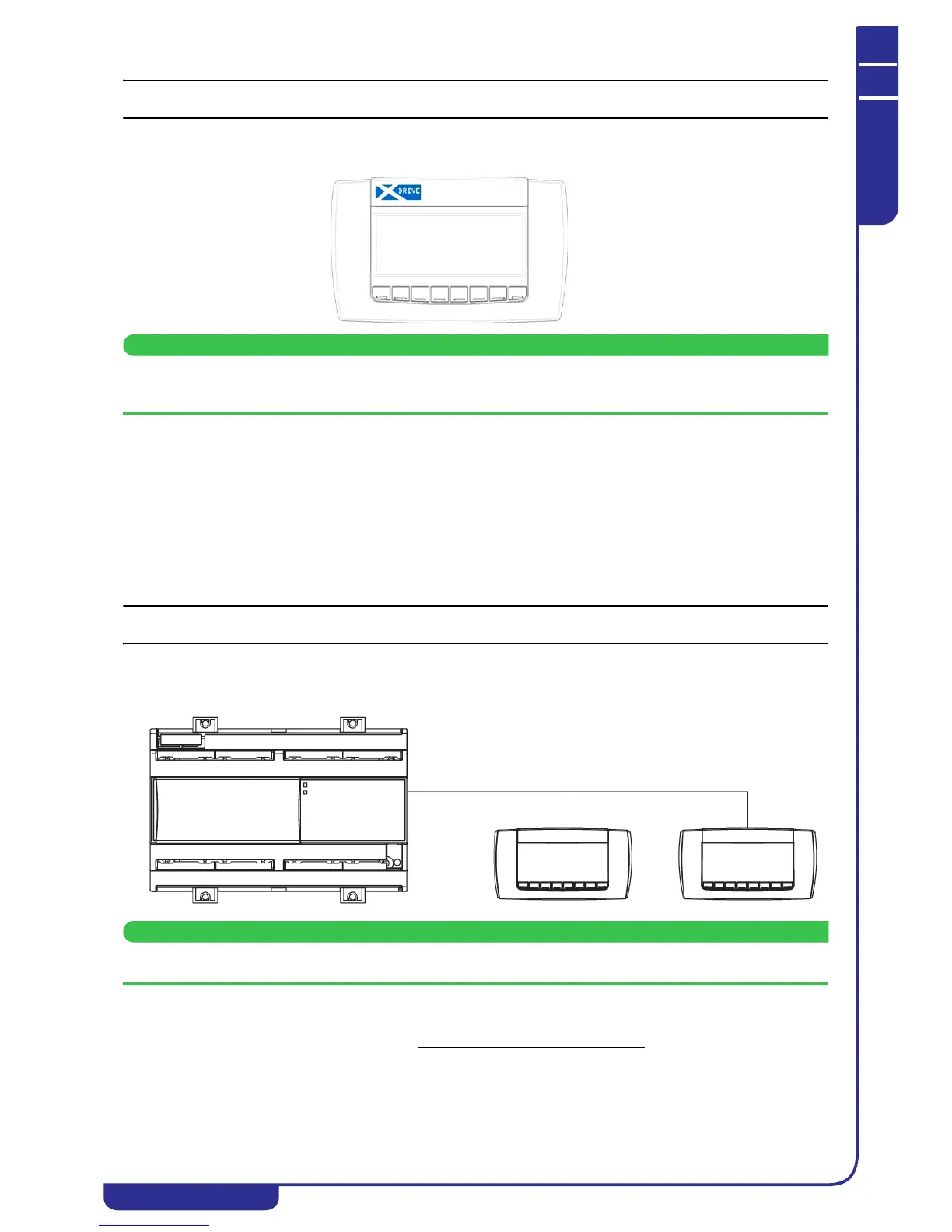
Consultation and editing of the main operating parameters of the unit take place using the graphic display.
The display is connected to the electronic controller by means of a shielded three-core cable. Consult the unit's
electrical wiring diagram to check the connection.
The main features of the display are as follows:
• 240x96 pixel resolution
• eight multifunction keys
• Front panel protection rating of IP65
• multilingual support
• buzzer
The eight multifunction keys perform different instructions in accordance with the displayed mask, improving navigation
between the various menus.
In addition to the local display mounted on the unit, it is also possible to connect a remote display to the electronic controller
(see "6.1.2.1 Remote display").
The use of the display and the meaning of its masks are illustrated in heading "6.2 Using the display".
6.1.2.1Remote display
The remote display is connected to the electronic controller by means of a shielded cable and it provides the facility to view
and edit the main operating parameters of the unit from a distance of 150 m.
Consult the unit's electrical wiring diagram to check connection of the remote display.
The installation procedure of a remote display is described below:
• Make the electrical connections as shown in the unit's wiring diagram
• Feed power to the unit, ensuring that
exclusively the remote display and not the local display is connected to the xDRIVE
controller



 To Next Page