MAINTENANCE AND OPERATING MANUAL
Electronic controller
HAS T 070÷140
52
ENGLISH
EN
The data in this manual are not binding and they can be modified by the manufacturer without notice. Reproduction of this manual is strictly prohibited.
6.2.7 Keys
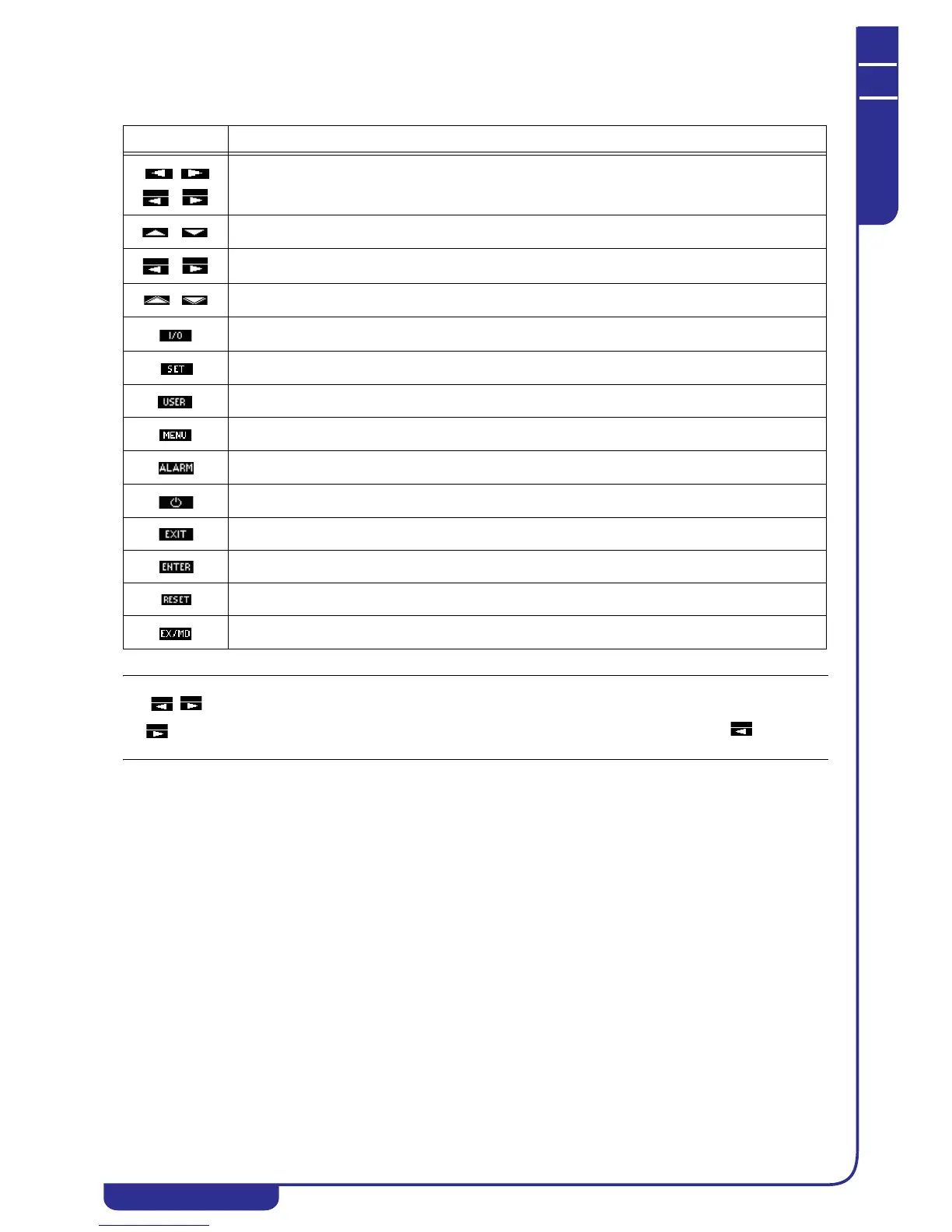
The following table illustrates the meaning of all the keys on the display.
The keys appear in masks containing parameters that are repeated on more than one circuit. A prolonged press of
the key serves to view and edit the same parameters on the next circuit, while a prolonged press of the key provides
the same function for the previous circuit.
Key Function
Scroll through masks
Scroll and select the fields in a mask/increase and decrease the value of a field
Scroll the parameters on different circuits (prolonged press)
Scroll the masks in the ALARM menu
Access to I/O menu (see "6.3 I/O menu")
Access to SET menu (see "6.4 Setpoints Menu")
Access to USER menu (see "6.5 User Menu")
Access to reserved menu (see "6.7 Reserved menu")
Access to ALARM menu (see "6.8 Alarms")
Unit power on/off (see "6.2.4 Powering up the unit")
Exit a menu
Activation of a field/confirmation
Alarms reset in ALARM menu (see "6.8 Alarms")
Access to EX/MD submenu from I/O menu (optional, see "6.3 I/O menu")



 To Next Page