OPERATING AND MAINTENANCE MANUAL
Chapter 7 - Electronic controller
TAEevo Tech 015÷802 60 Hz UL
57
The data in this manual are not binding and they can be modified by the manufacturer without notice. Reproduction of this manual is strictly prohibited
EN
ENGLISH
7.12.11 Diagnostic of alarms that switch from automatic to manual
No. of trips per hour
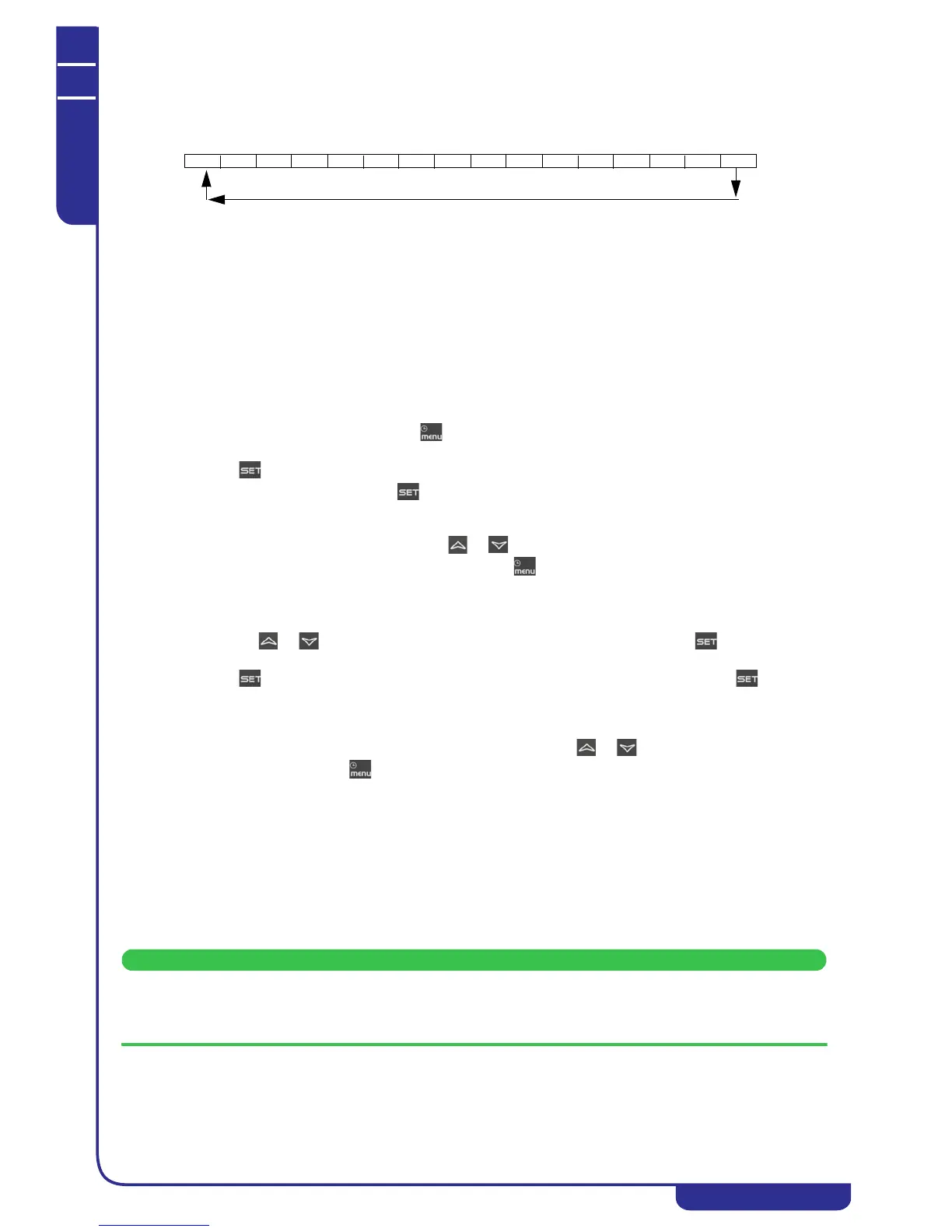
Every hour is divided into 16 intervals each lasting 3600 / 16 = 225 seconds (3 minutes 45 seconds).
When the instrument is powered on each observation interval is flagged as “inactive”.
Each observation interval is initially flagged as “inactive” and subsequently, up to its termination (i.e. for 225 seconds) it is
flagged as “active” if at least one alarm trips. When each observation terminates the next one starts, remembering that the
observation is continuous and once the first 16 intervals have elapsed the 17th interval replaces the first, the 18th replaces the
second, and so forth.
In this manner the last hour of operation is always monitored and the “active” intervals can be counted. When the number of
active intervals exceeds the set limit, the alarm switches to manual.
Setting the limit to 0 the alarm will therefore be manual already at the first trip, while if the limit is set at 16 the alarm will
remain constantly automatic because the observation intervals are not 17 in number.
7.12.12 Display and delete the alarms log in the memory (ALOG function)
The function to display the alarm codes is active only if alarms are actually present.
• Enter the functions menu by pressing .
• Select the ALOG function.
•Press .
If no alarms are present, pressing is not enabled.
• The lower display shows the label with the alarm code, while the upper display shows the label “n” with a
sequential number from 00 to 99.
• Scroll through all the alarms present press or .
To exit the ALOG function and return to normal display mode press or wait for the time-out.
The memory has space for 99 alarms. Each alarm stored beyond this number will automatically overwrite the oldest alarm
(the alarms are displayed in ascending order from the oldest to the most recent).
• To clear the alarms log enter the functions menu.
• With the or buttons select the function ALOG on the lower display and press .
• Scroll the alarm labels until finding ArSt in the lower display. The upper display shows PASS.
• Press . Enter the deletion password (the password value to reset the alarms log is 14) and press to confirm.
• If the password is correct, the label ArSt flashes for 5 seconds to confirm the deletion. After deleting the
alarms log the system exits the functions menu automatically and returns to normal display mode.
• If the password is incorrect the message PASS appears again. If the correct password is not entered it is
anyway possible to scroll through the alarms in the memory with or .
To return to normal display mode press or wait for the time-out.
7.13 Programming from keypad
The parameters of the electronic controller are divided into groups subdivided into three levels, namely:
1. USER (Pr1);
2. SERVICE (Pr2).
3. MANUFACTURER (Pr3).
The USER level (Pr1) provides access exclusively to the user parameters, the SERVICE (Pr2) / MANUFACTURER level
(Pr3) provides access to parameters concerning unit configuration.
The association of a given parameter with a given level is established in the design stage.




 To Next Page