5.2 MAIN MENU (CONTINUED)
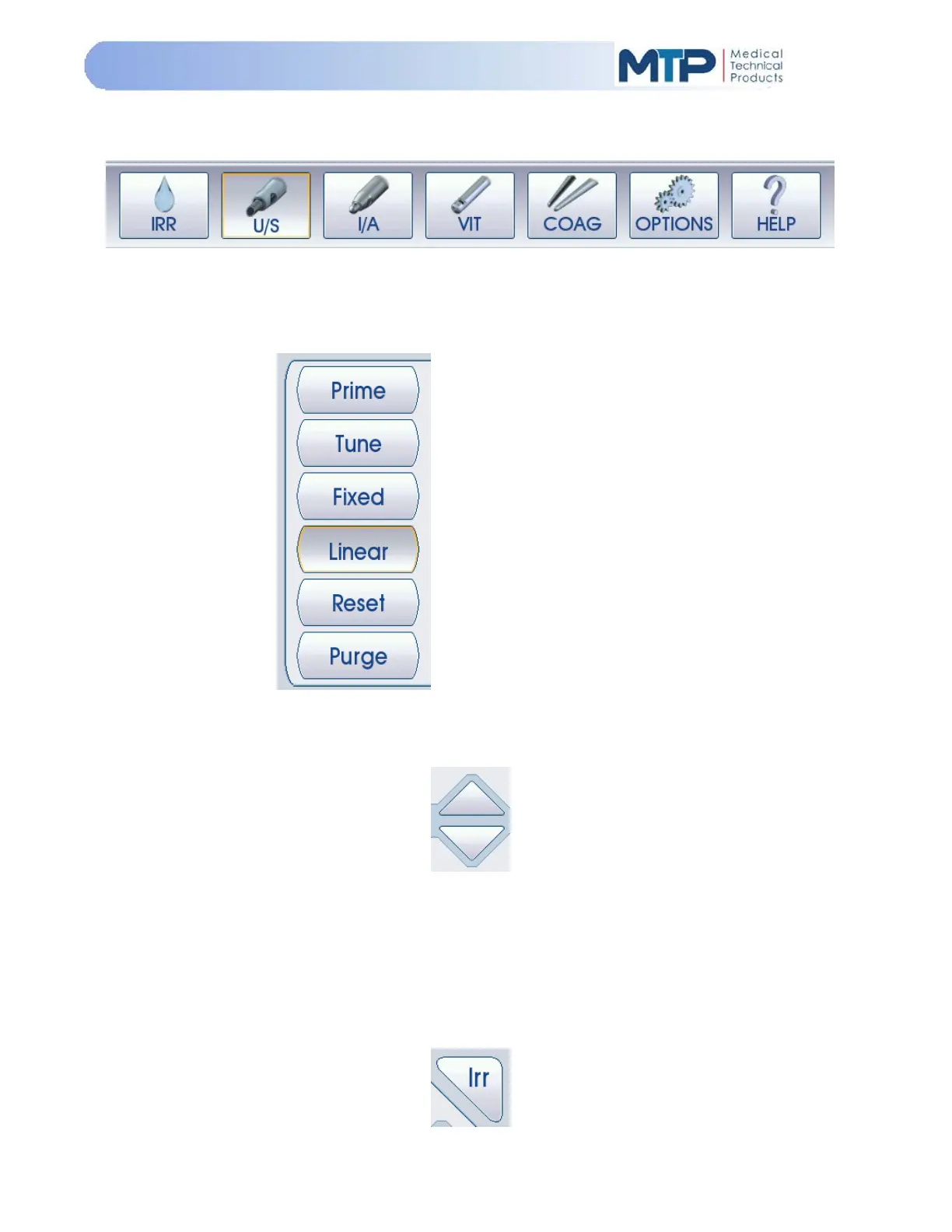
All of the system operational modes are located at the bottom portion of the screen.
Press the desired soft-key to activate a mode. The active Mode or function soft-key will be
outlined.
The soft-keys along the right-hand side of
the screen are used for specific functions
while in each Mode. Each Mode will have
similar or different functions depending on
their operational functionality.
Press the desired soft-key to activate the
function.
The active function soft-key will be outlined.
Arrow soft-keys are used to make adjustments to a parameter or operation when desired.
Functions of the arrow soft-keys are as follows:
UP Arrow: Increases or raises a parameter or function
DOWN Arrow: Decreases or lowers a parameter or function
The Irrigation soft-key manually turns the Irrigation function ON and OFF in Modes which utilize
the irrigation function.


 To Next Page