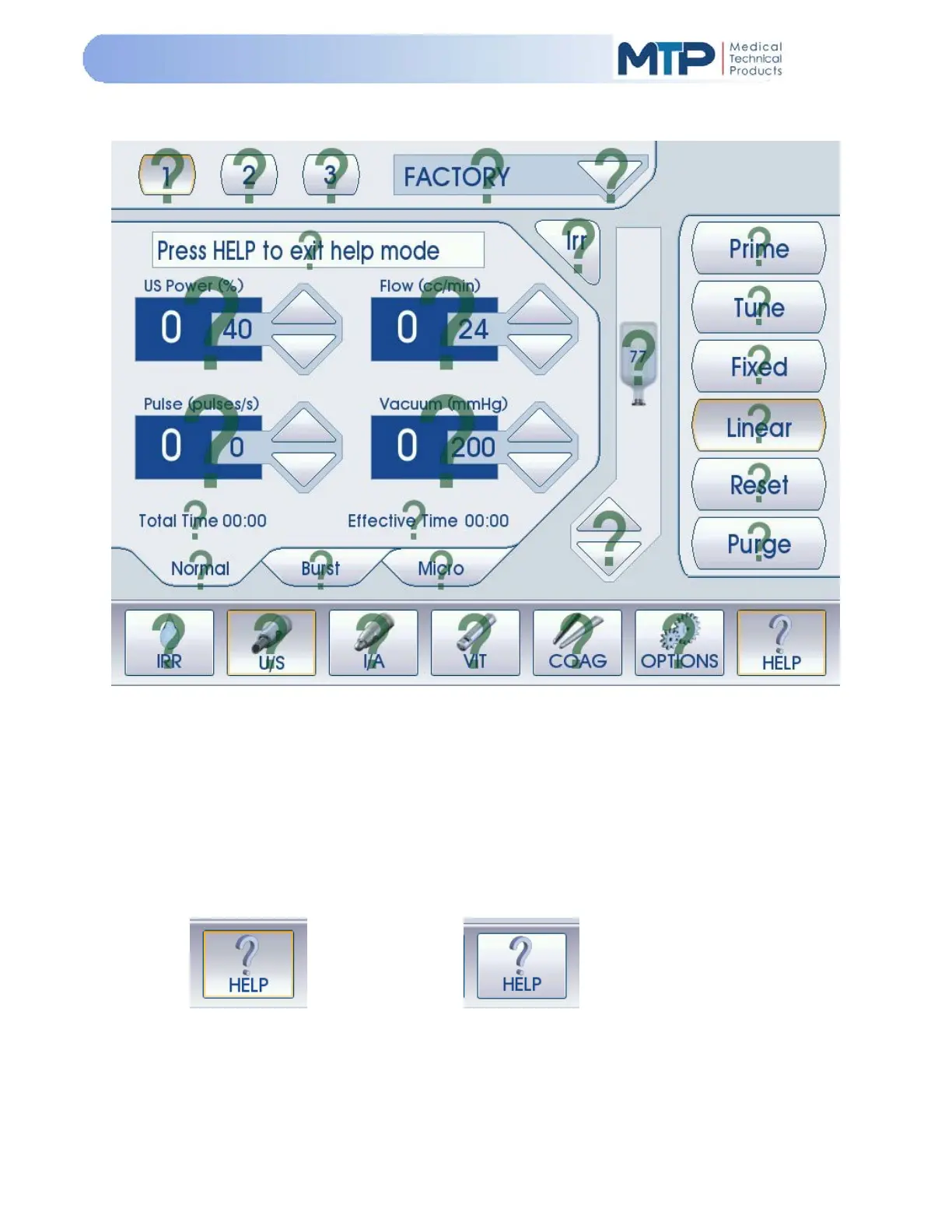
5.8 HELP MODE
The HELP Mode allows the user to view the available help for all screens of operation. When in
any screen for any mode, press the “HELP” soft-key. A question mark will be displayed over fields
and mode functions which have available help information.
Press the question mark on the field or mode function that you require help with and help
information will be displayed for your selection.
1. Touch the Help information field to close the information window.
2. Touch the “HELP” soft-key a second time to close the Help field.
Help ON
Help OFF


 To Next Page