Introduction
Operator’s Manual V1.1 • EasyOne Air • EasyOne Connect
© ndd Medizintechnik AG • Technoparkstrasse 1, 8005 Zurich, Switzerland • www.ndd.ch 31/144
39
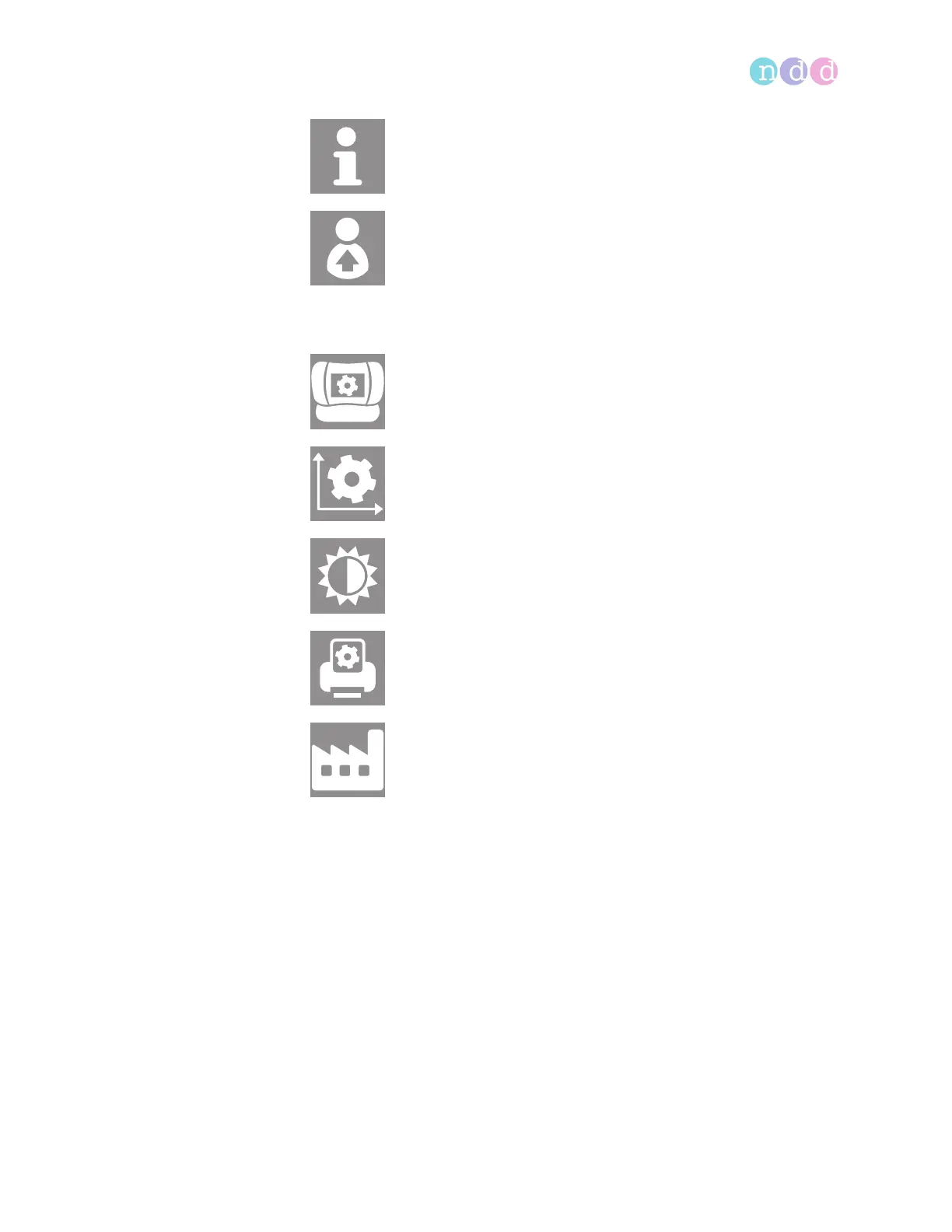
The settings menu displays the following icons:
Configuration of EasyOne Air, 93
The information menu displays information about the currently
installed firmware.
In the user menu, you can configure individual users and their
passwords for login.
In the device settings menu, you have access to device settings, like
speaker volume, empirical or metric units settings, date and time
settings, or Bluetooth settings.
In the spirometry settings menu, you have access to spirometry
settings, like predicted normal values, system interpretation, or the
automatic quality control setting.
In the display settings menu, you have access to settings like
language, date and time format, or settings for how results are
displayed.
In the print settings menu, you can configure the printer that is
connected to the cradle.
In the factory reset menu, you can reset the configuration of
EasyOne Air to its delivery status. However, the patient data will not be
deleted.


 To Next Page