9-91
“Confidential, Do Not Duplicate without written authorization from NEC.”
ASSEMBLY DIAGRAM
Diagram symbol Circuit symbol Part name Part code Q’ty Remarks
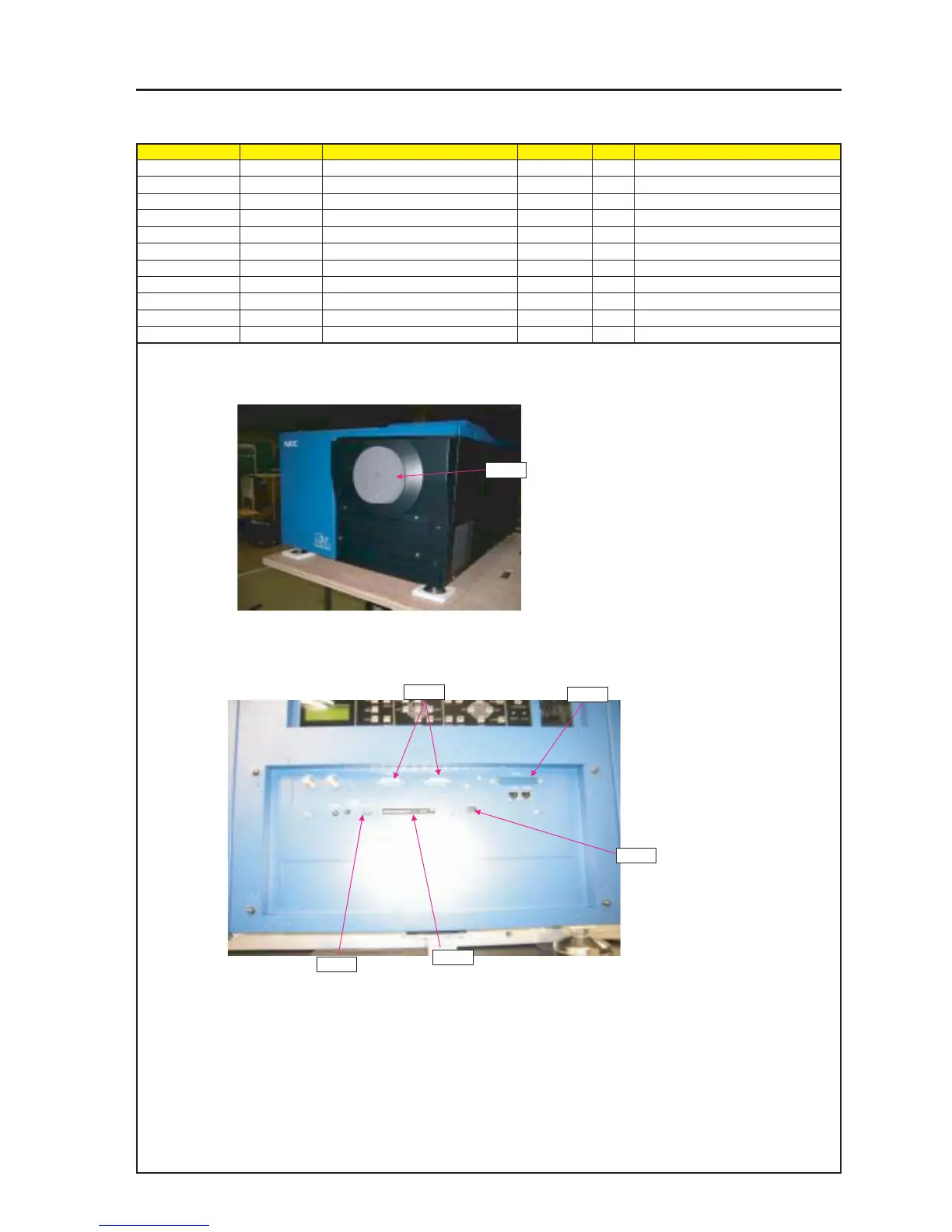
PRT1 CAP 24J25081 1
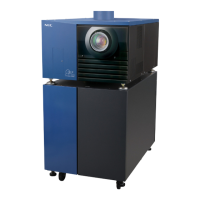
PRT2 DUST CAP(USB) 24C08991 1
PRT3 DUST CAP(D-SUB 9) 24C09011 1
PRT4 DUST CAP(D-SUB 15) 24C09021 2
PRT5 DUST CAP(D-SUB 37) 24C09031 1
PRT6 PC-DUMMY-CARD WT 24FT8872 1
PRT2 24L63951 1
DUST CAP
PRT1
PRT2
PRT3
PRT4
PRT5
PRT6
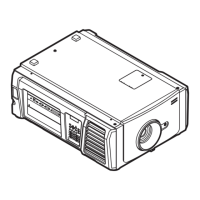
1 Mount a CAP on the SET main body.
2 Attach the DUST cap to the terminal block of the SET main body.


 To Next Page