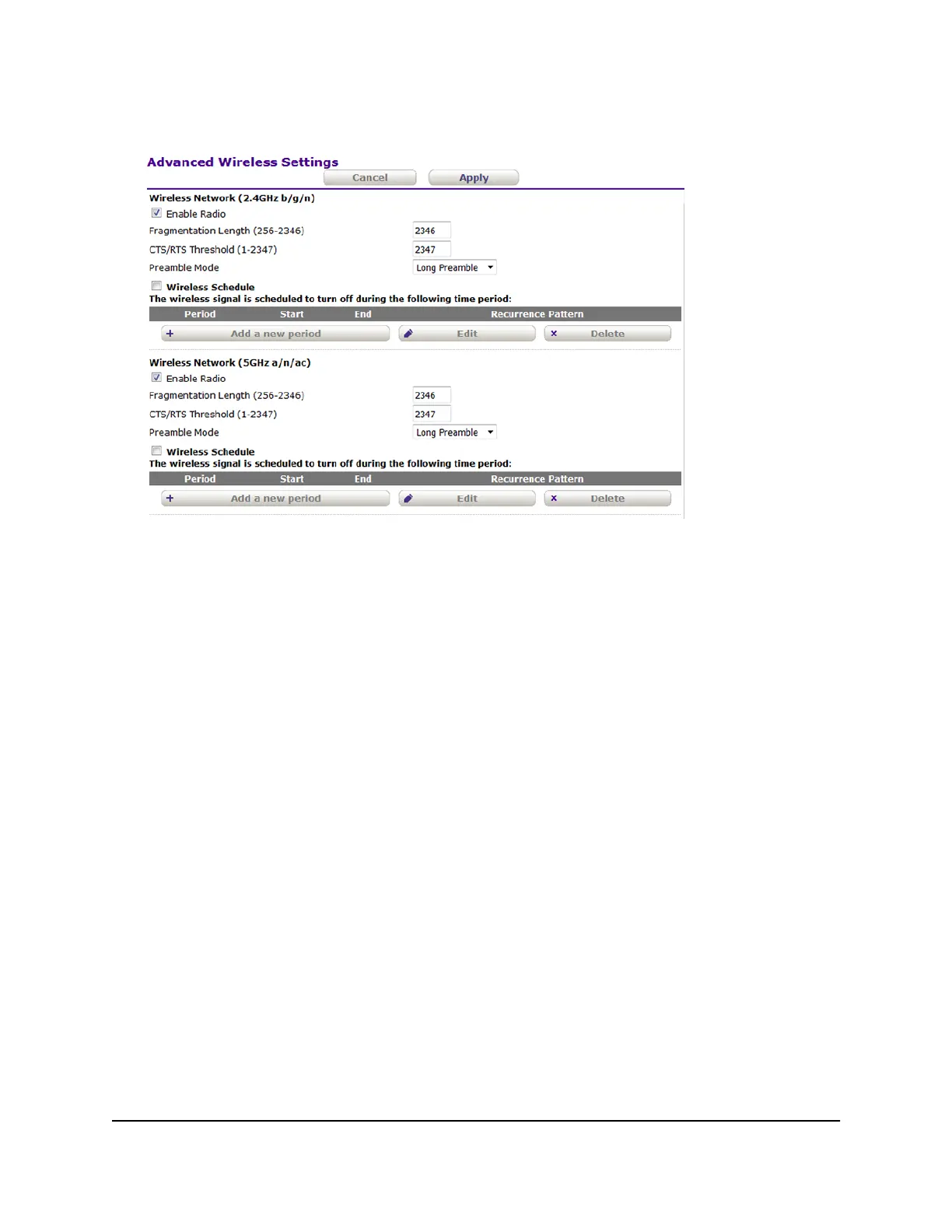
4. Select Advanced Setup > Advanced Wireless Settings.
5.
Do one of the following in the Wireless Network (2.4GHz b/g/n) section, Wireless
Network (5GHz a/n/ac) section, or both sections:
•
Turn off the radio. Clear the Enable Radio check box.
The WiFi LED turns off.
• Turn on the radio. Select the Enable Radio check box.
The WiFi LED lights solid green.
6. Click the Apply button.
Your settings are saved.
User Manual45Manage the Basic WiFi Network
Settings
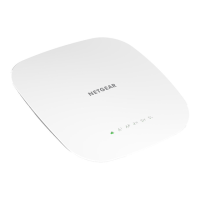
802.11ac Wireless Access Point Model WAC104


 To Next Page