MX Series Voice Gateway User Manual
New Rock Technologies, Inc. 101
recommended to construct a VPN network, and configure VPN client for HX4E/MX8A.
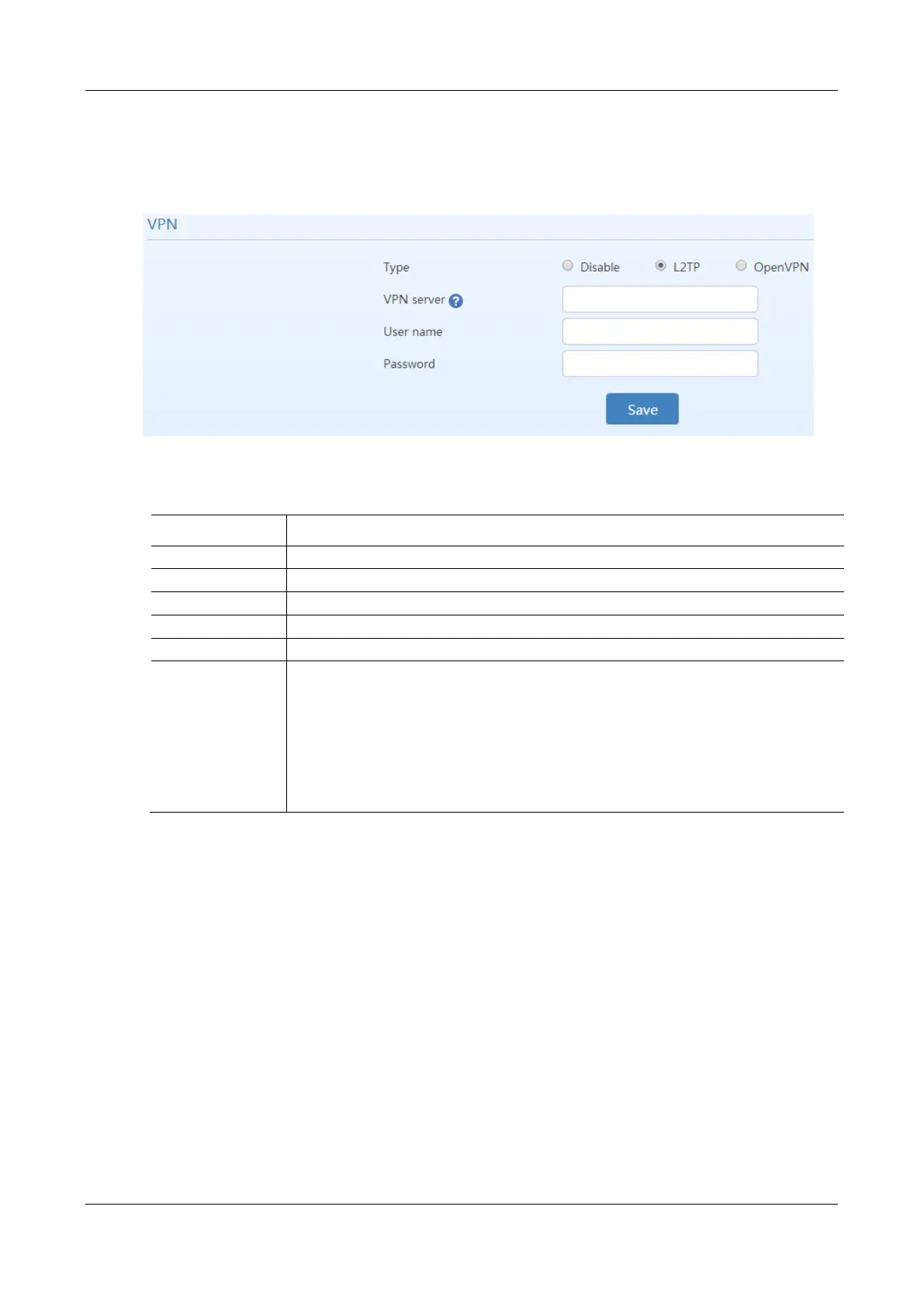
After login, click Security > Access, and then choose L2TP or OpenVPN.
Figure 2-65 VPN Configuration Interface
Table 2-42 VPN Configuration Parameters
Enable VPN client function.
Disable VPN, or select L2TP or OpenVPN.
Enter the IP address of the L2TP VPN server.
Enter the user name provided by the L2TP VPN server.
Enter the password provided by the L2TP VPN server.
OpenVPN client
certificate
Note: Accurate device time is necessary for OpenVPN, please verify the device time on
Advanced>System time page.
To configure the OpenVPN, follow this procedure:
1. Select OpenVPN, and then click Save.
2. Click Upload to open the Advanced > Cert. page, and upload the OpenVPN client
certificate. For details, see 2.6.4 Certificate.
3. After the certificate is uploaded, restart the device.
4. After the device is restarted, click Basic > Status to view the VPN connection status.
2.8 Status
2.8.1 Call Status
After login, click Call Status>Call Status to open this interface.



 To Next Page