MX Series Voice Gateway User Manual
New Rock Technologies, Inc. 113
The device receives only data packets that carry the VLAN tag and includes the VLAN tag in all sent data
packets. In this mode, the physical network port of the device has no separate address and shares the IP
address of the VLAN interface.
3.1.1 LLDP
With Link Layer Discovery Protocol (LLDP) enabled, during startup the device automatically obtains
VLAN configuration information via an LLDAP message, adds VLAN tag in packets it sends, and obtains
network information such as IP address using the DHCP mode by default.
Configuration
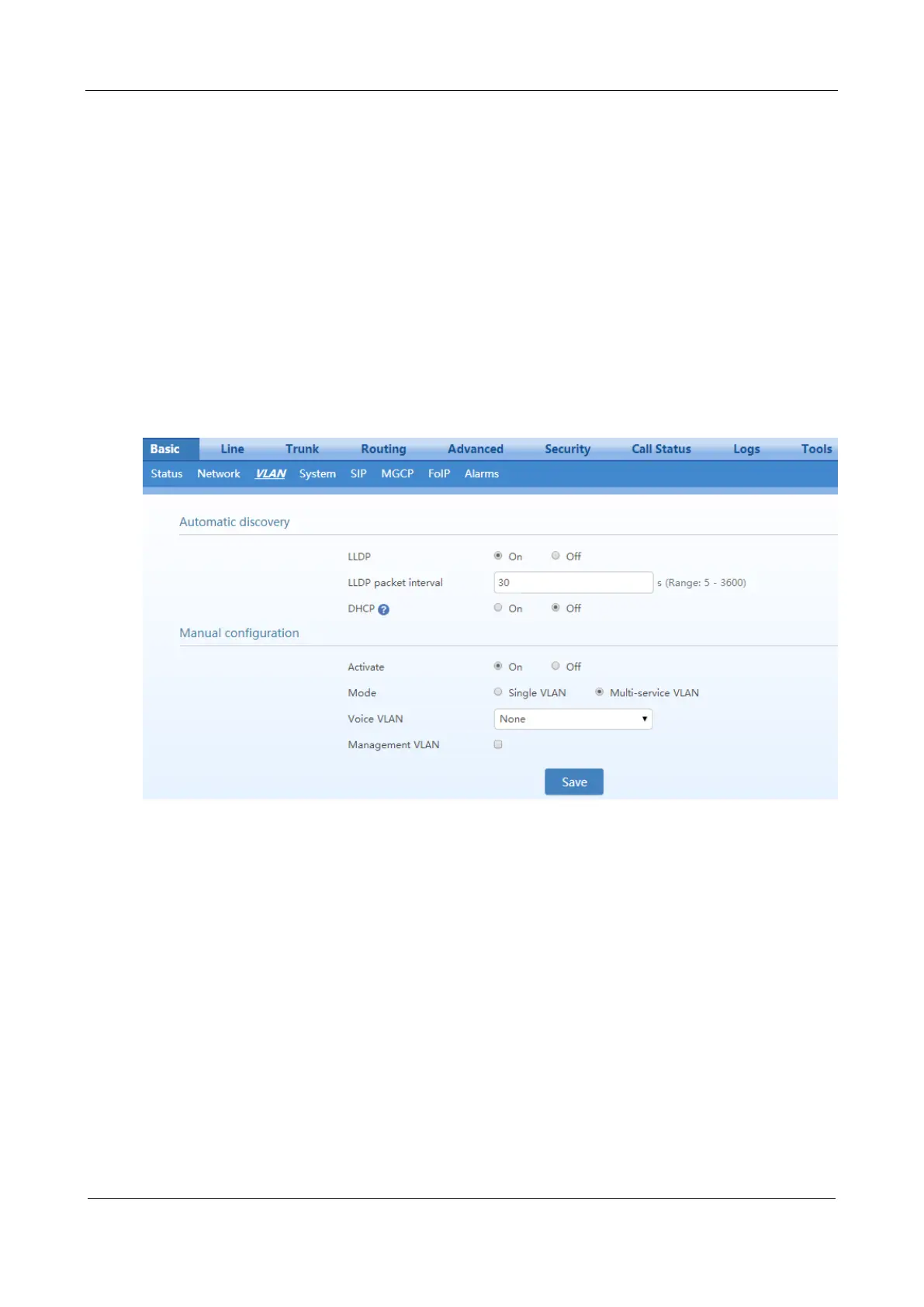
After login, click Basic>VLAN. Set LLDP to on, set LLDP packet interval, and then click Save.



 To Next Page