User Manual MX Series Voice Gateway
34 New Rock Technologies, Inc.
login interface. Both Chinese and English are provided for the Web GUI.
The Web GUI can be accessed using browsers such as Internet Explorer 8 to 11, Firefox,
and Google Chrome. The IE browser is used as an example below.
The device is only allowed to access using HTTPS. Since the factory default certificate is
used a prompt like "There is a problem with this website's security certificate" may
occur. Click Continue to this website to access the login page.
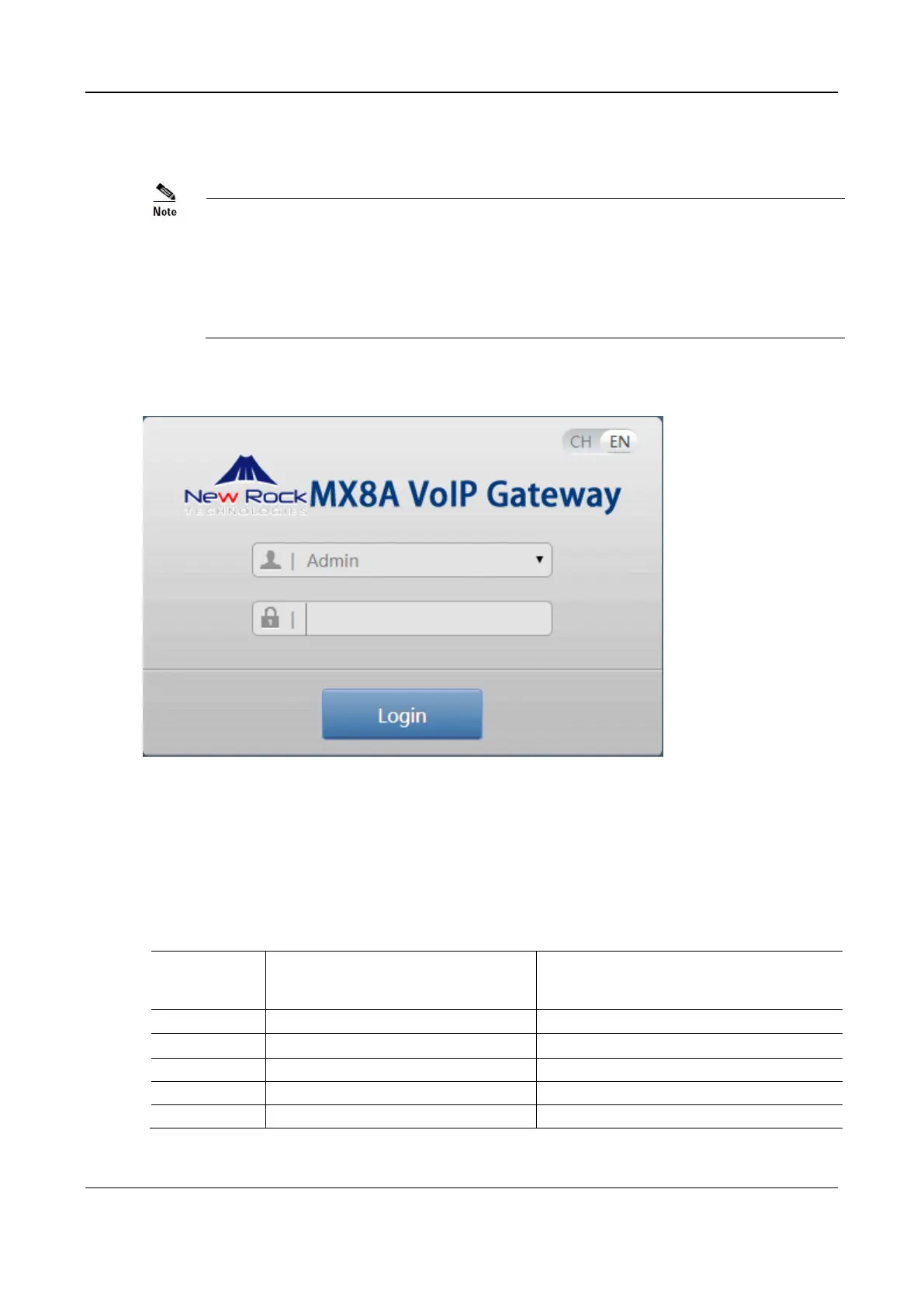
Figure 2-18 Login Interface for MX8A Gateway Configuration
2.1.3 Gateway Administrator and Operator Rights (Web GUI)
Login users are classified into administrator and operator. The default password is shown in Table 2-2.
The password is shown in a cipher for safety.
Table 2-2 Default Passwords for logging to Web GUI
Default Administrator Passwords
(lowercase letters required)
Default Operator Password
The administrator is allowed to browse and modify any configuration parameter and modify login



 To Next Page