MX Series Voice Gateway User Manual
New Rock Technologies, Inc. 111
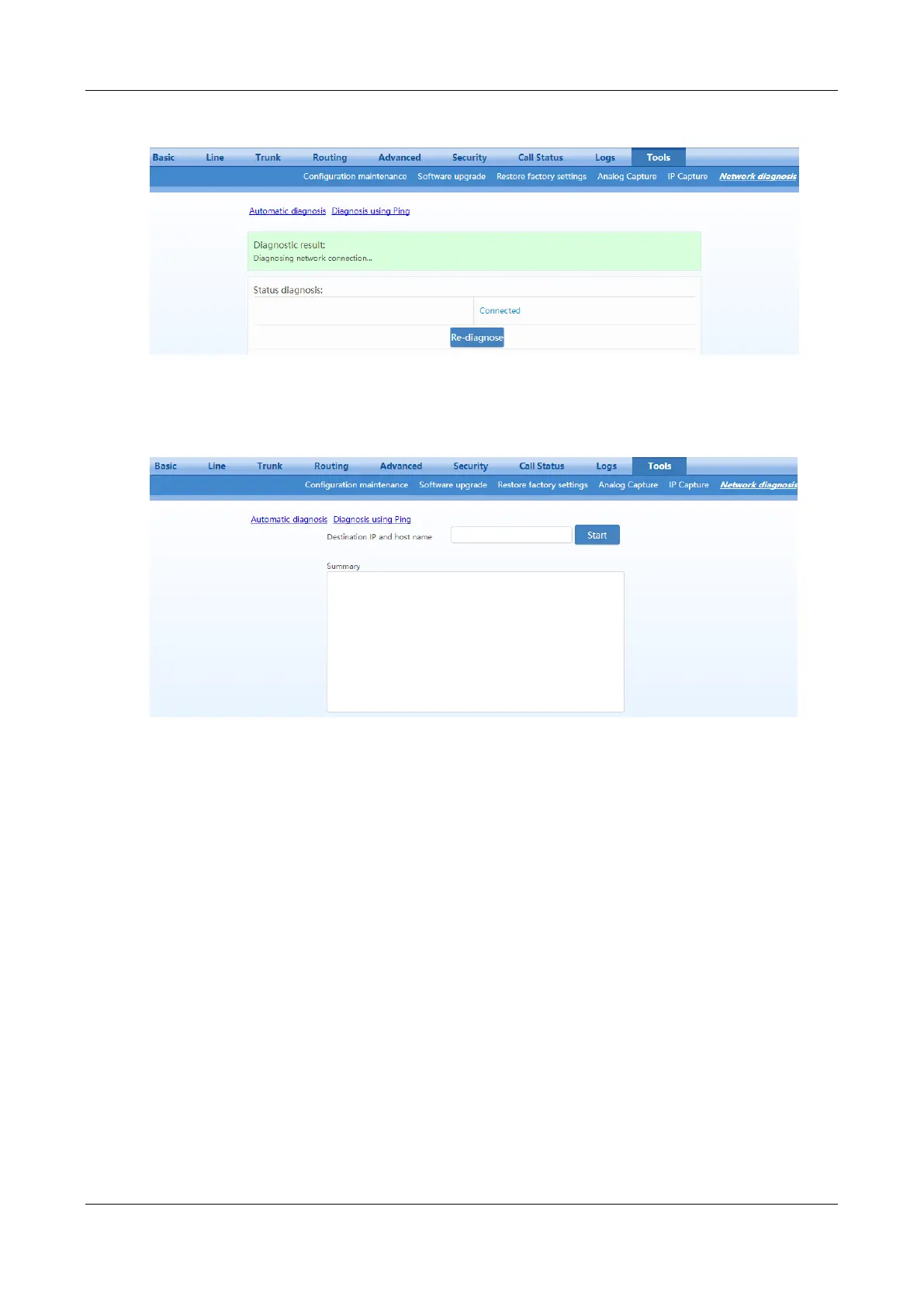
Figure 2-84 Automatic Diagnosis Interface
Figure 2-85 Ping Diagnosis Interface
2.11 Product Information
After login, click Version info to view the gateway hardware and software version information.
2.12 Reboot
To restart the gateway, click Reboot in the top right corner.
2.13 Logout
After login, click the Logout at top right to exit the gateway management system and return to the login
interface.



 To Next Page