User Manual MX Series Voice Gateway
36 New Rock Technologies, Inc.
2.1.5 SSH user Permissions
Both root user and the operator user are allowed to access a device with SSH:
root user has permission to change the configuration of all parameters.
operator user has permission to access only the directories of the user. It is allowed to use su- commands
only.
You need to periodically change the passwords for the operator and root users.
To change the passwords, go to Security > Access list page. For details, see 2.7.1 Access Security.
2.2 Basic Configuration
2.2.1 Status
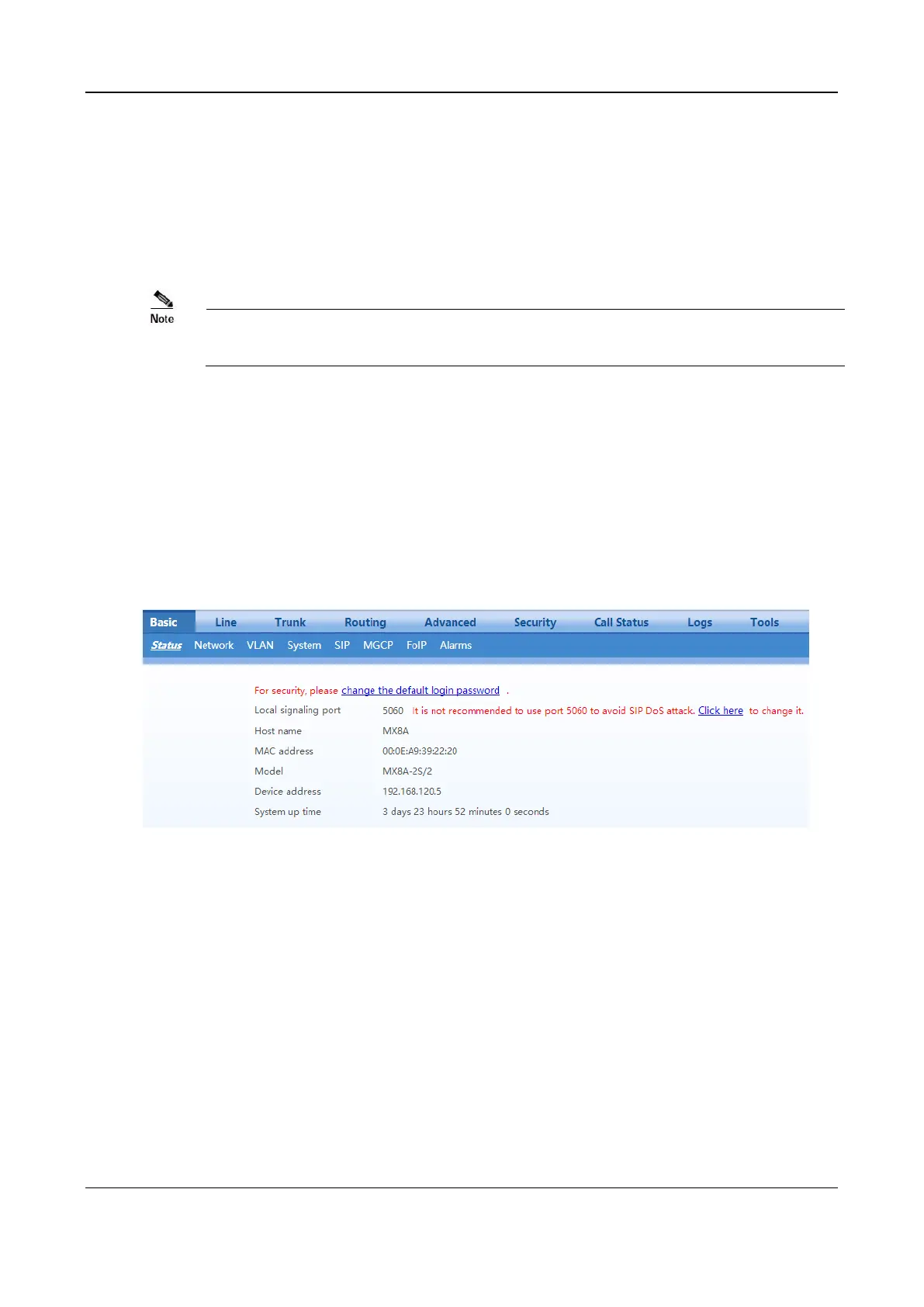
After login, open the Basic tab page to view device information. If the SIP port of the device is 5060, you
are advised to modify it.
Figure 2-19 Status Interface
2.2.2 Network
After login, click Basic>Network to open the configuration interface.



 To Next Page