MX Series Voice Gateway User Manual
New Rock Technologies, Inc. 17
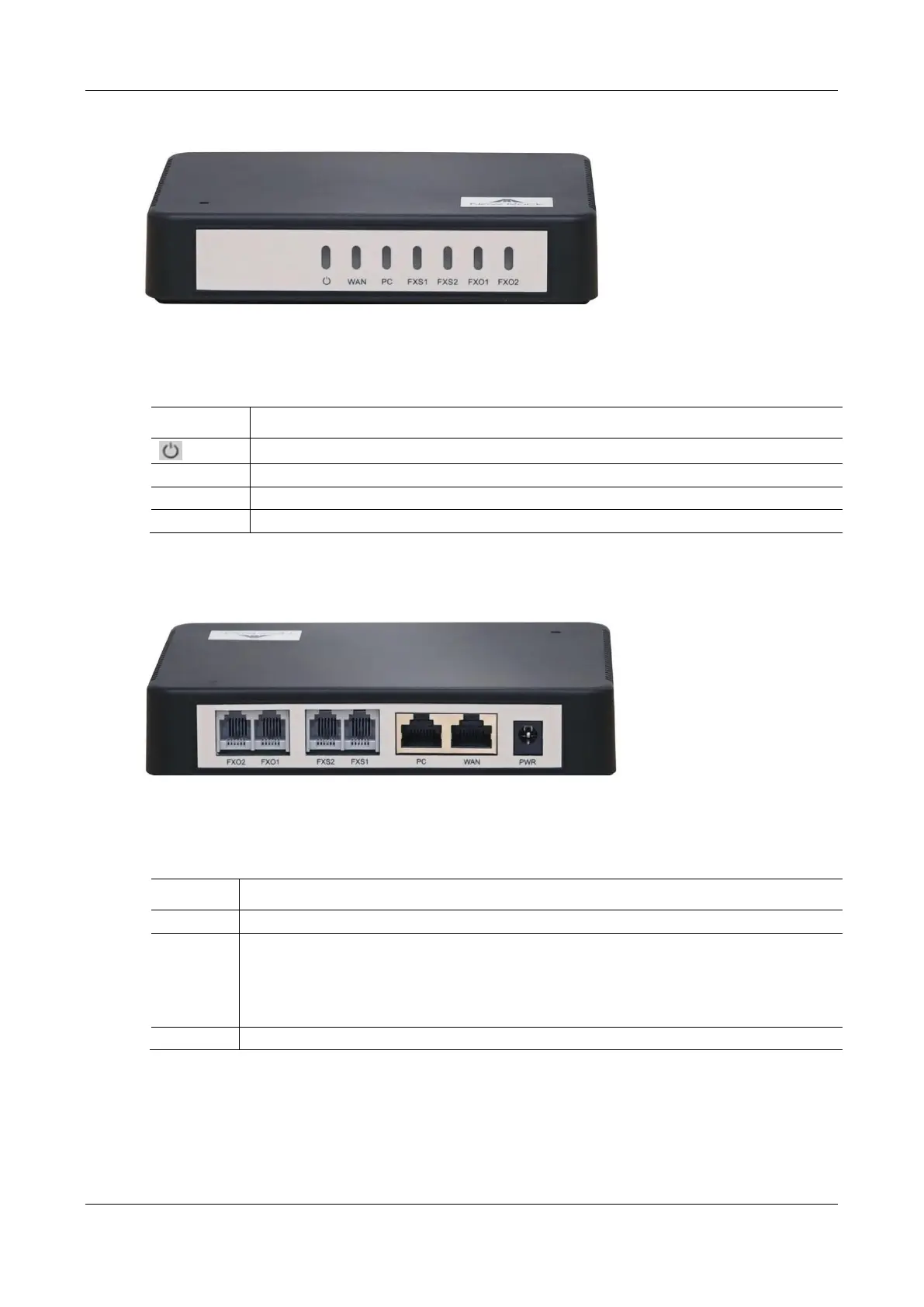
Figure 1-0 HX4E Front Panel
Table 1-3 Description of HX4E Front Panel
Figure 1-1 HX4E Back Panel
Table 1-4 Description of HX4E Back Panel
Power interface, 12 VDC input
The PC port is used to connect a computer.
The WAN port is used to connect the uplink network.
Both are 10/100 Mbps Ethernet ports (RJ45). They share one IP address, which, by default, is obtained
through DHCP. If no IP address is obtained, 192.168.2.218 is used by default, and you can change it on
Basic > Network page.



 To Next Page