User Manual MX Series Voice Gateway
110 New Rock Technologies, Inc.
2.10.4 Capture Recordings on the Port
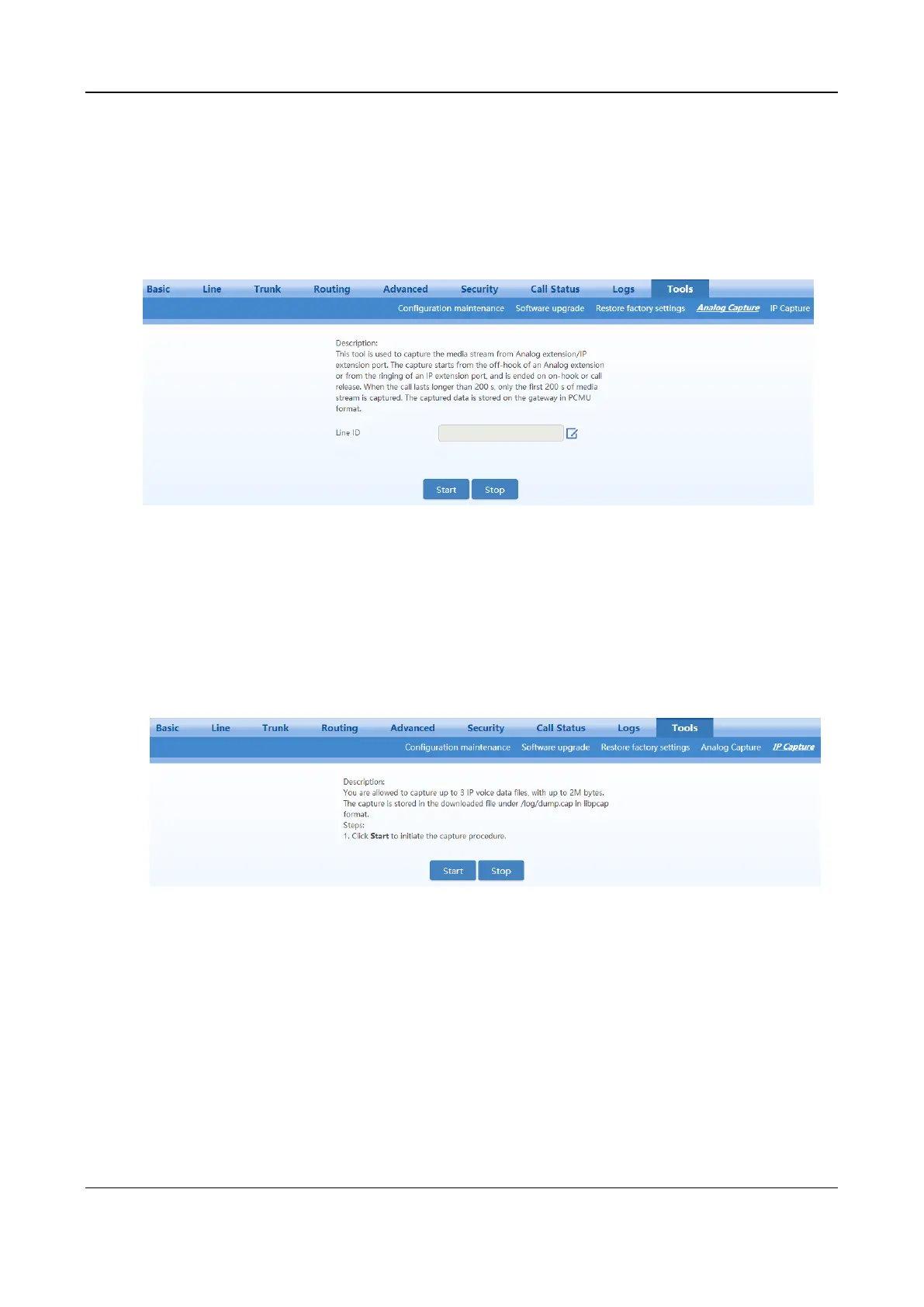
After login, click Tools > Analog capture to open this interface. This tool can be used to capture the
voice stream from the Phone or Line interface. When the call lasts longer than 200 seconds, only the first
200 seconds of voice stream will be captured. The voice file is stored on the gateway in PCMU format.
Figure 2-82 Interface for Capturing Port Recordings
2.10.5 IP Capture
After login, click Tools > IP capture to open this interface. You are allowed to capture up to three IP
voice data files, each with up to 2M bytes. The capture is stored in the downloaded file under
/log/dump.cap in libpcap format.
Figure 2-83 Ethereal Capture Interface
2.10.6 Network Diagnosis (HX4E/MX8A)
After login, click Tools > Network diagnosis to open this interface.
If the Internet is unavailable, you can use this tool to diagnose whether the network is connected.



 To Next Page