User Manual MX Series Voice Gateway
74 New Rock Technologies, Inc.
The following modes are available.
Power on: the gateway detects whether there are configurations and firmware to be updated
when the device is powered on.
Power on + Periodical: when the device is powered on, the gateway first checks whether
there are configurations and firmware to be updated, and then periodically performs checking
based on the set times.
When Power on + Periodical is set, this parameter specifies the interval for periodic automatic
upgrades. The default range is 3600 seconds. The value range is 5 to 84600 second.
2.6.3 Management System Type
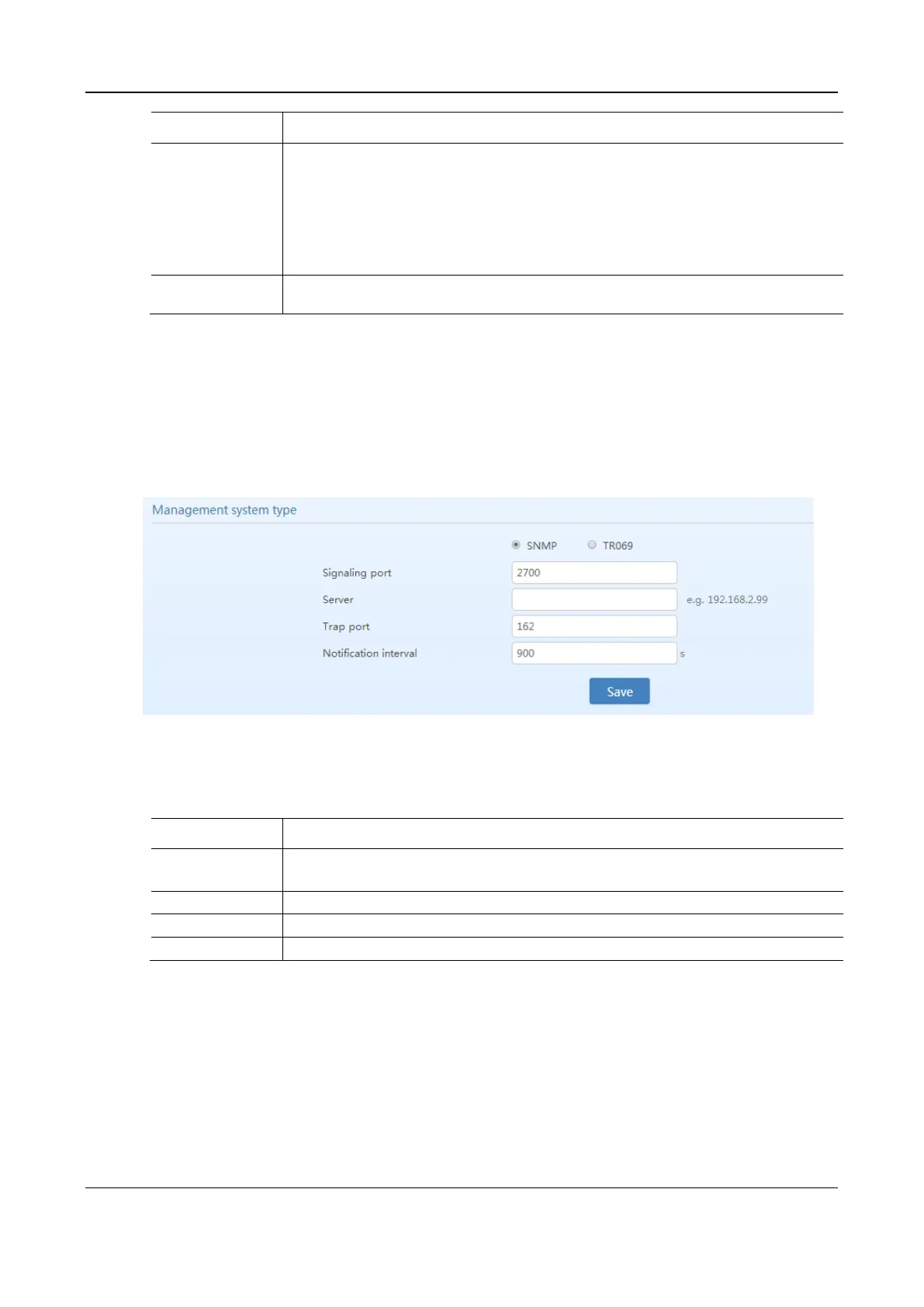
After login, click Advanced > System to open this interface.
Figure 2-44 SNMP Configuration Interface
Table 2-25 SNMP Configuration Parameters
Enter the SNMP local port. The default value is 2700.
If SNMP is selected, the following three parameters need to be specified.
Enter the address of the SNMP server.
Enter the port number of the SNMP server. The default value is 162.
The default value is 900 seconds.



 To Next Page