MX Series Voice Gateway User Manual
New Rock Technologies, Inc. 99
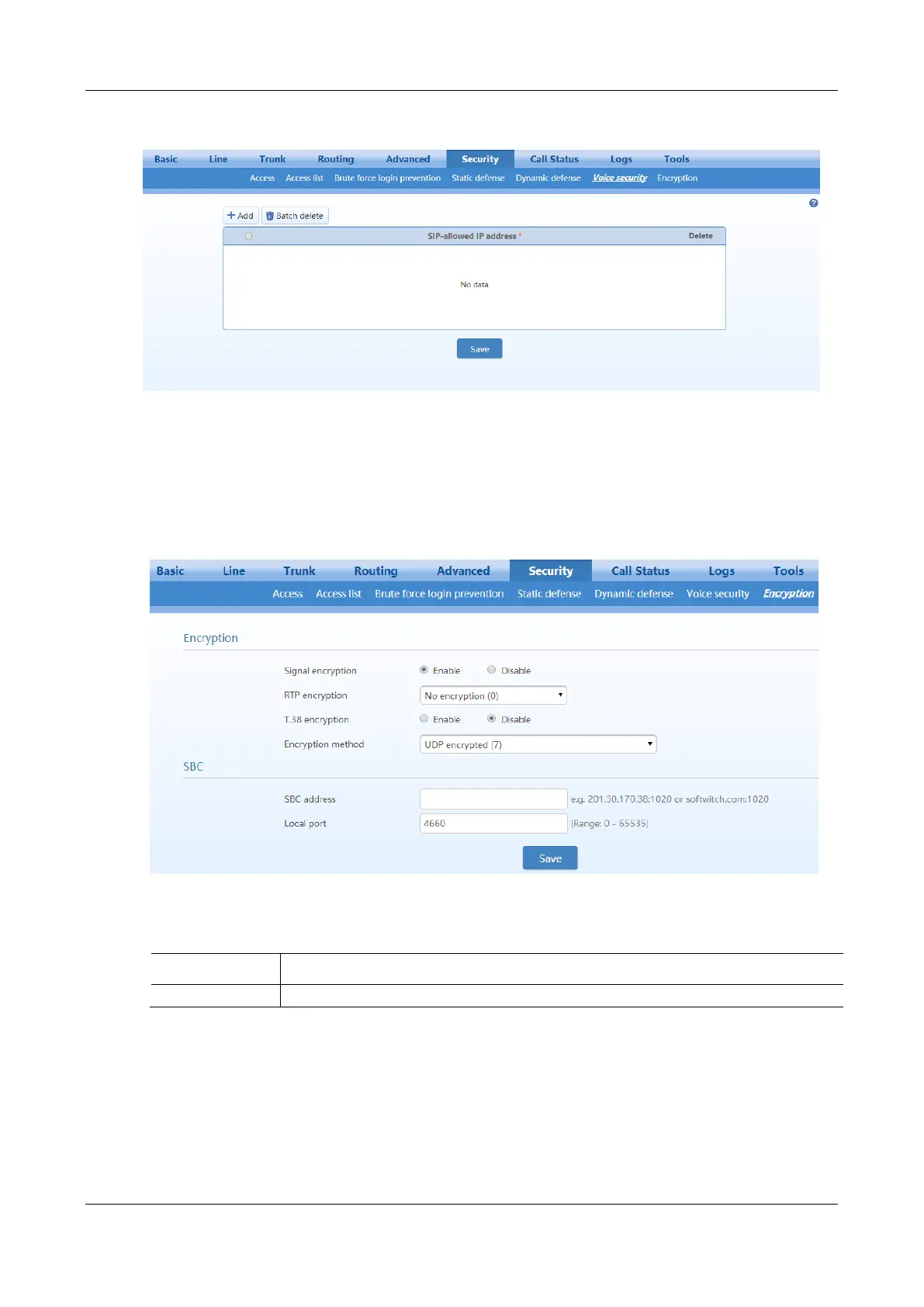
Figure 2-63 Voice Security Configuration Interface
2.7.8 Encryption
After login, click Security>Encryption to open this interface.
Figure 2-64 Encryption Configuration Interface
Table 2-41 Encryption Configuration Parameters
Choose whether to encrypt signaling. By default, this is not selected.



 To Next Page