User Manual MX Series Voice Gateway
76 New Rock Technologies, Inc.
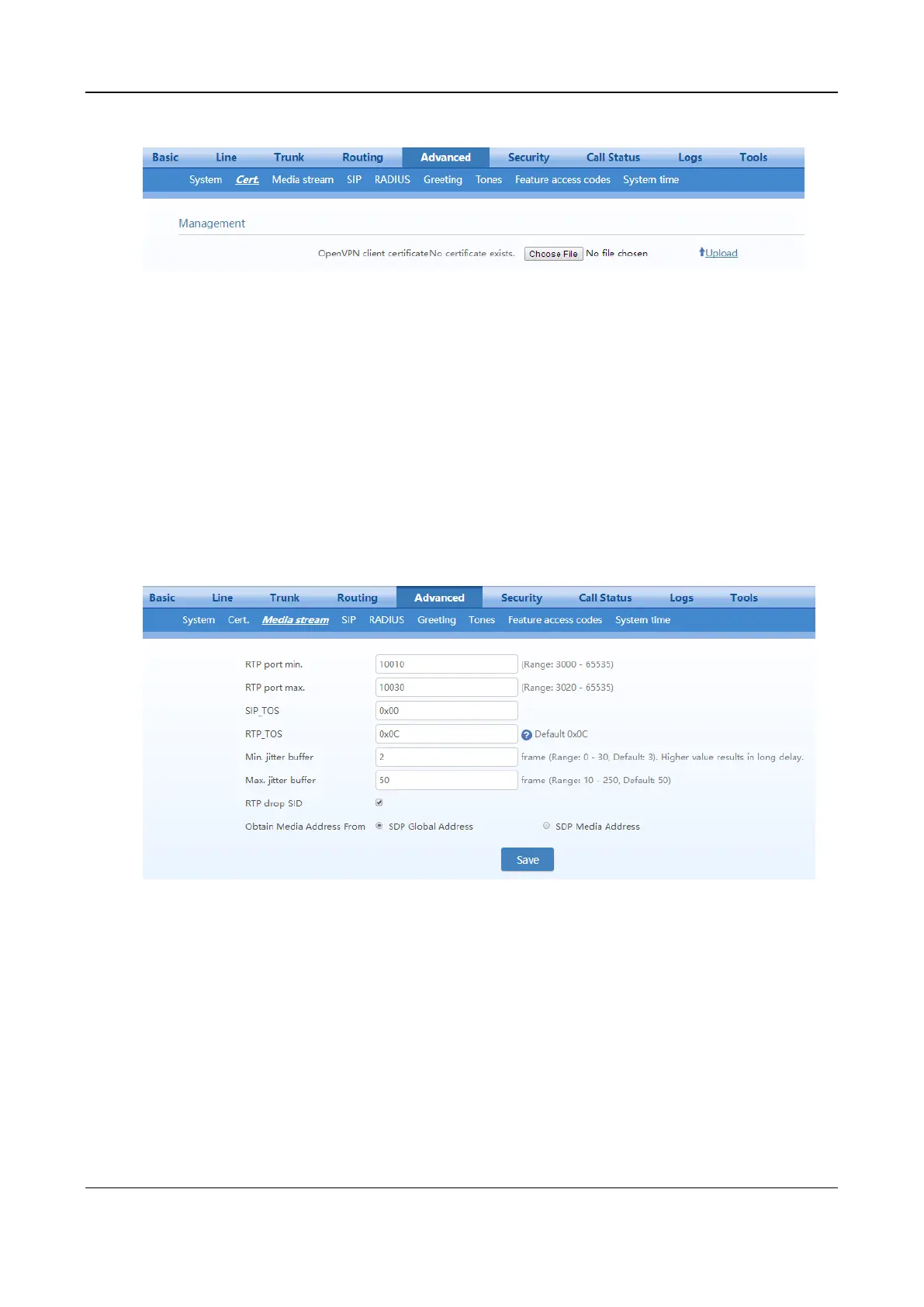
Figure 2-46 Certificate Configuration Interface
Step 1
Prepare the OpenVPN certificate file “client.vpn” based on the information provided by the
server. For details, see 4 Making an OpenVPN Client Certification.
Step 2
Click
Upload
.
Step 3
Select and upload the file client.ovpn.
Step 4
Reboot the device.
2.6.5 Media Stream
After login, click Advanced > Media Stream to open this interface.
Figure 2-47 HX4E/MX8A Media Stream Configuration Interface



 To Next Page