MX Series Voice Gateway User Manual
New Rock Technologies, Inc. 67
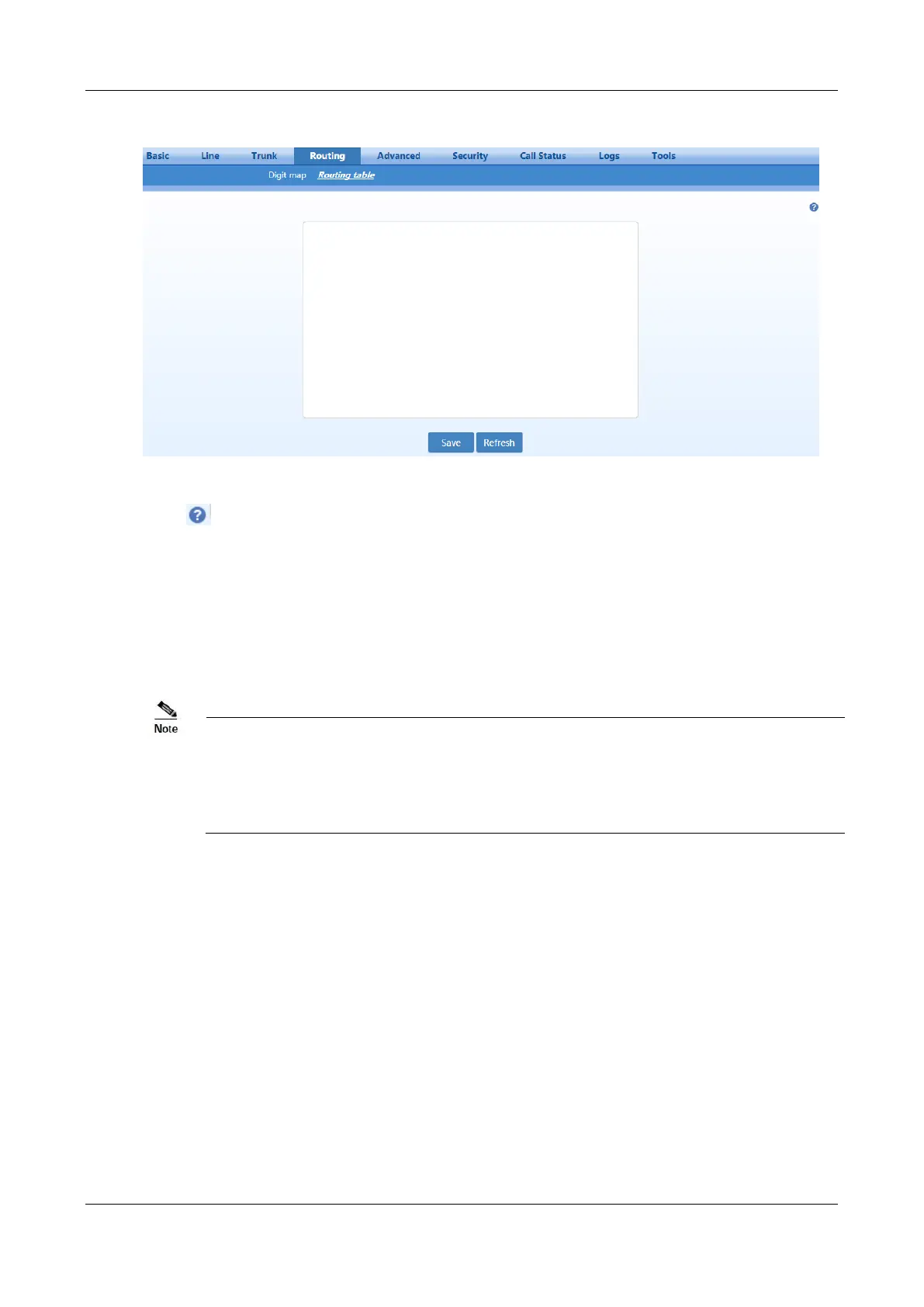
Figure 2-41 Routing Table Configuration Interface
Click to open the illustrative interface for routing configuration.
The routing table with a capacity of 500 rules provides two functions including number transformation
and call routing assignment.
The device will match a rule from top to bottom.
Rules must be filled out without any blank at the beginning of each line; otherwise the
data will not be validated even if the system prompts successful submittal.
The routing table is empty by default. The gateways will direct a call to the SIP proxy
server when there is no matched rule for the call.
The format of number transformation is
Source Number Transformation Method
Take FXS 021 REMOVE 3 as an example. It indicates that, for a call from the FXS port (on a subscriber
line), the first three digits area code 021 is removed from the called number.
Where FXS is the source, 021 is the number, and REMOVE 3 indicates the method of number
transformation.
The format of routing rules is
Source Number ROUTE Routing Destination
Take IP 800[0-1] ROUTE FXO 1-2 as an example. It means that calls from IP with called number prefix
8000 or 8001 are routed to FXO port in a sequential order. Namely, FXO Port 2 is selected when FXO
Port 1 is busy and so on.
Where IP is the source, 800[0-1] is the number, and FXO 1-2 is the routing destination.



 To Next Page