MX Series Voice Gateway User Manual
New Rock Technologies, Inc. 103
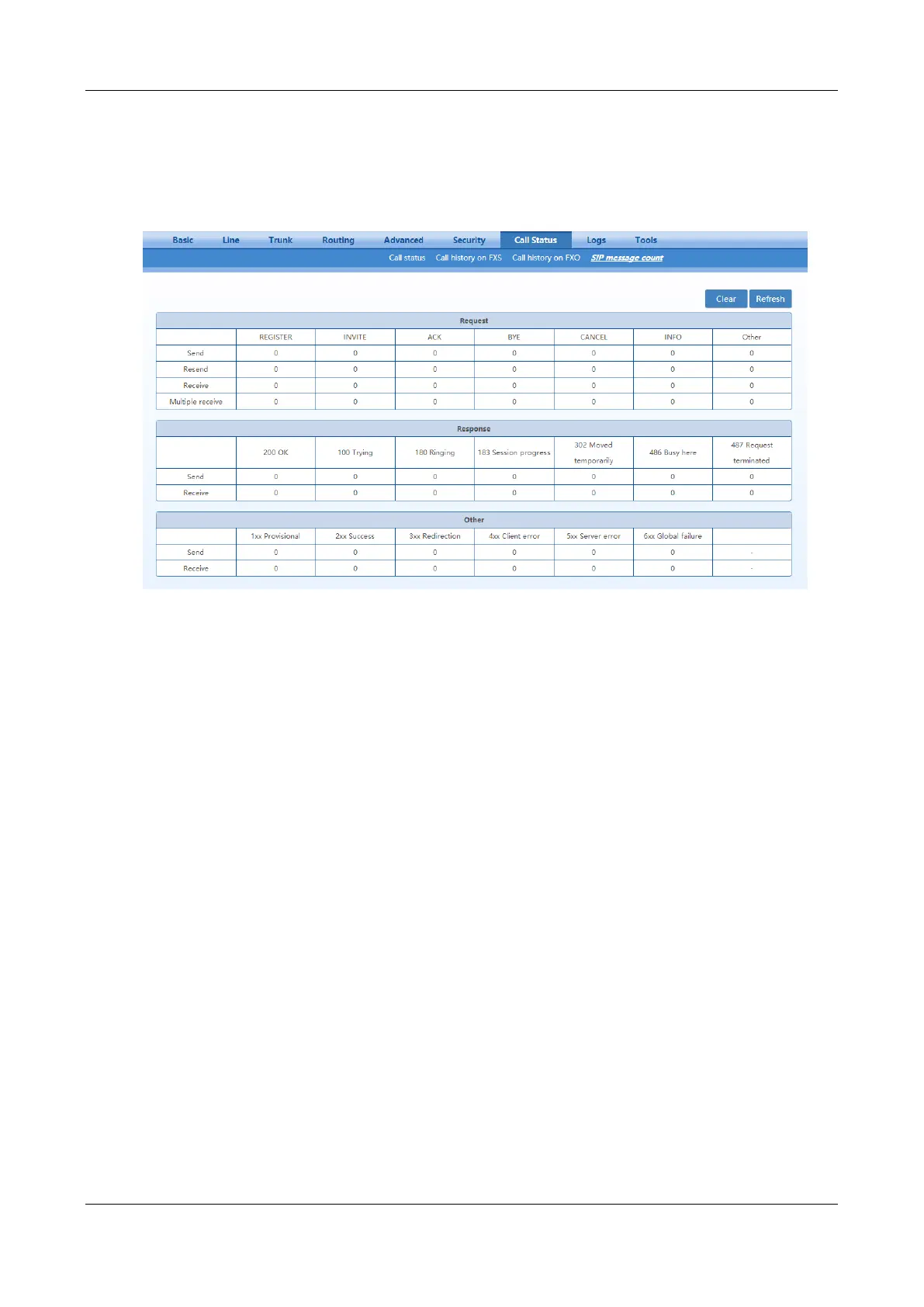
2.8.4 SIP Message Count
After login, click Call Status>SIP message count to open this interface.
Figure 2-69 SIP Message Count Interface
2.9 Logs
2.9.1 System Status
Critical runtime information of gateways can be obtained in this interface, including:
Information regarding login interface (including IP address and permissions of the user)
SIP registration status
Call-related signaling and media (RTP) information
After login, click Logs>System Status to open this interface.



 To Next Page