MX Series Voice Gateway User Manual
New Rock Technologies, Inc. 117
ensured that DHCP option 132 and DHCP option 133 are properly configured on the DHCP server.
Configuration
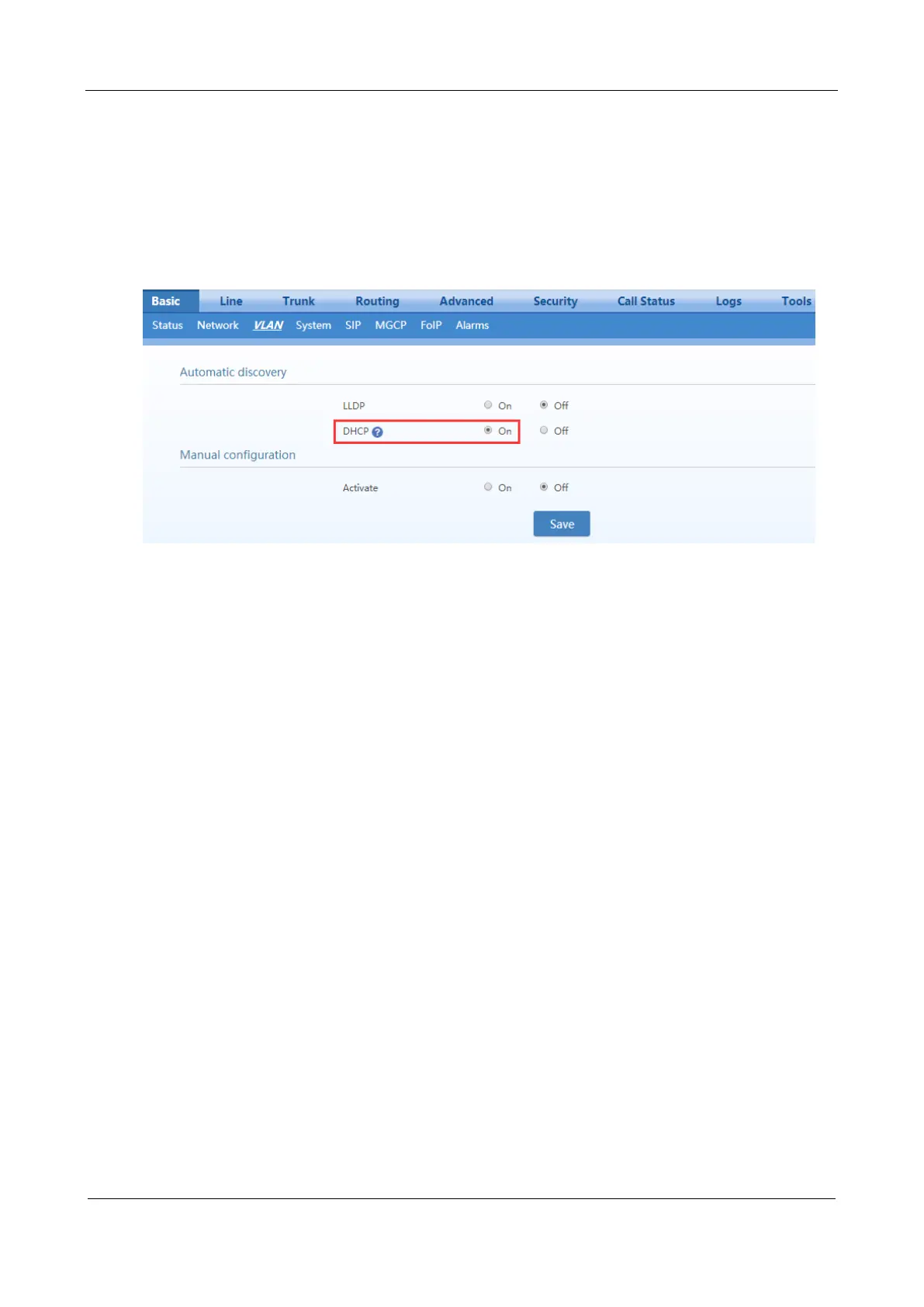
After login, click Basic > VLAN. Set DHCP to be On, and then click Save. In addition, ensure DHCP is
set on the Basic > Network page.
Discovery Mechanism
0. The device periodically sends DHCPDISVOVER message carrying with option 132 and option 133 to
the DHCP server.
1. The DHCP server returns DHCPOFFER message in response.
2. The device sets the global VLAN by using the values in option 132 and option 133 carried in
DHCPOFFER message and will reboots after that.
3. The VLAN is established after the device reboots.
4. The device will update its VLAN settings if the values in option 132 and option 133 carried in
DHCPOFFER change and reboot will be made after that.
Messages
1. DHCPDISCOVER message sent from the device to the DHCP server



 To Next Page