NG-MB1/NG-MB2 User Manual
Page | 12 Copyright©2022 NGTeco. All rights reserved.
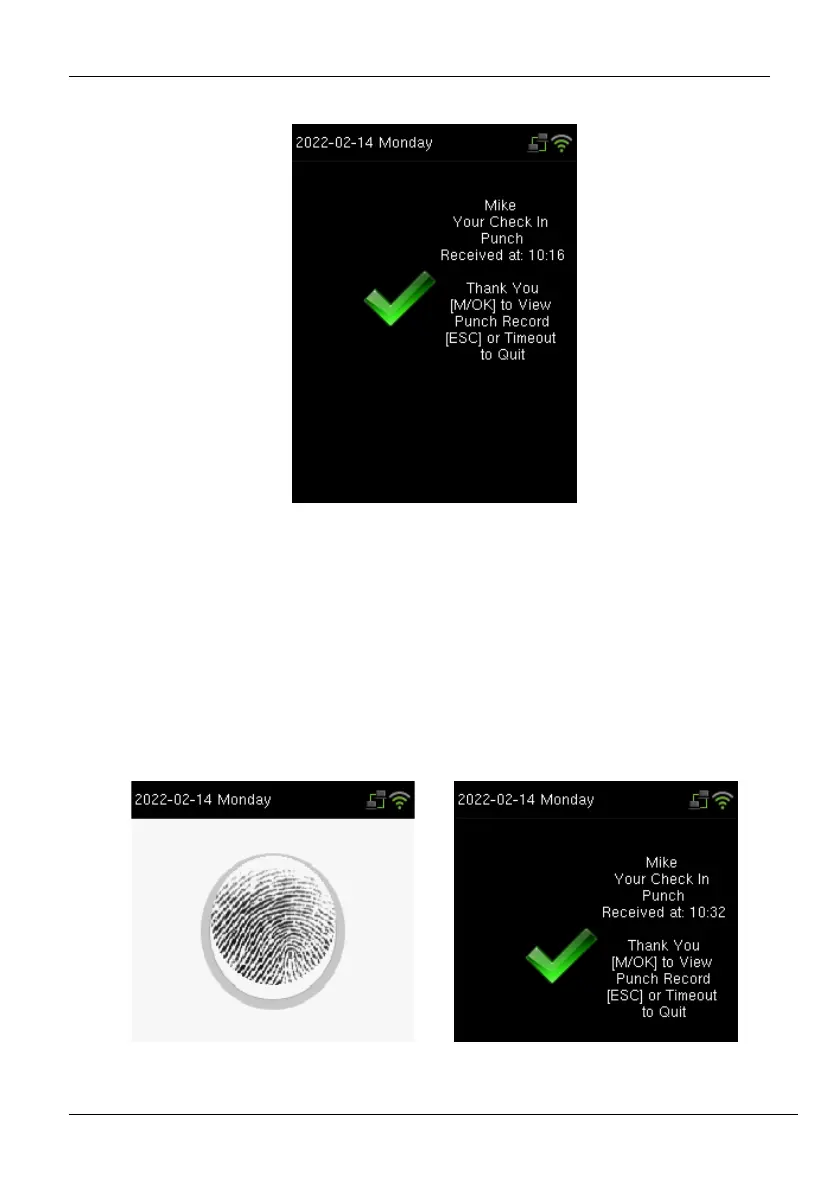
If the verification is successful, the success message will be displayed as shown below:
2.5.2 Fingerprint
The fingerprint verification can be done in two ways:
1: N Verification: The device compares the current fingerprint collected by the fingerprint
sensor with all the fingerprints on the device. Press your finger properly on the fingerprint
sensor. If the fingerprint matches with the saved template, the verification is successful.
If the verification is successful, the success message will be displayed as shown below:



 To Next Page