NG-MB1/NG-MB2 User Manual
Page | 36 Copyright©2022 NGTeco. All rights reserved.
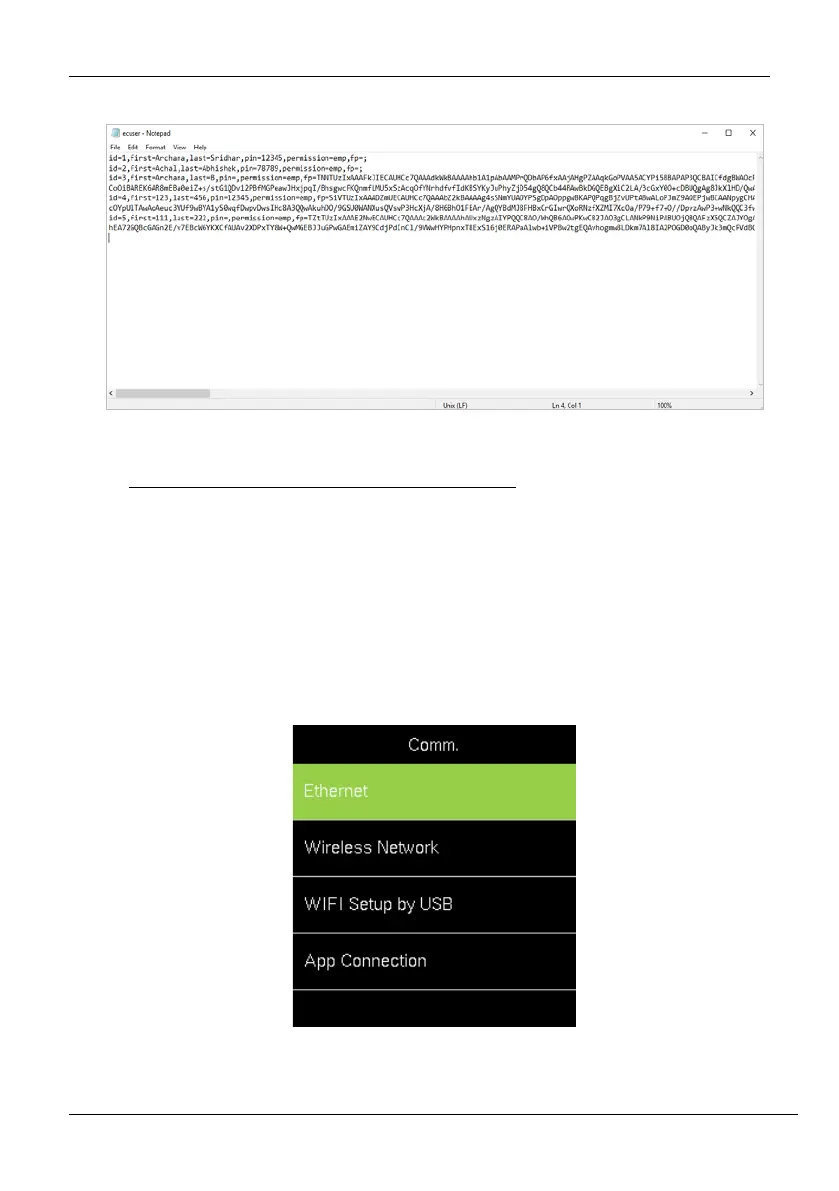
6. The downloaded file will be displayed as shown below:
6 Communication Parameters
Open the "Comm." Menu to set the communication parameters.
6.1 Manual Ethernet Configuration
The steps to connect to Ethernet is given below:
1. Go to [Comm.] then [Ethernet].



 To Next Page