NG-MB1/NG-MB2 User Manual
Page | 72 Copyright©2022 NGTeco. All rights reserved.
which is currently being used. In the Custom Pay period, you can define the date
range within 31 days.
Report Hours Format: Select the report hours format.
The Start and End dates are predefined based on the selected pay periods except for the
Custom Pay period.
12.2 Download Reports
1. Insert a USB drive to download the report.
2. Navigate to M/OK to Download] and press <M/OK>.
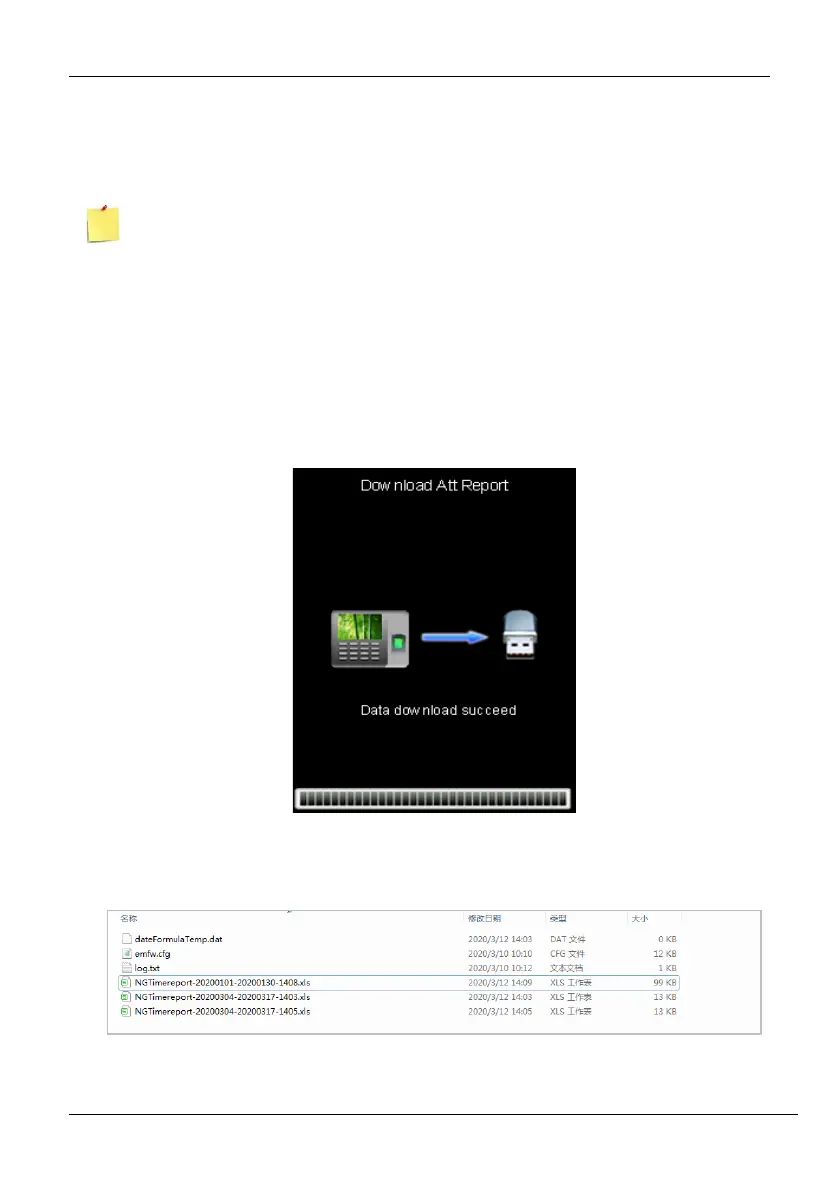
3. After downloading the report, the success message will be displayed as shown below:
4. Now insert the USB drive into your PC to view the reports.
5. The report will be downloaded by the name of date and time as shown below:



 To Next Page