NG-MB1/NG-MB2 User Manual
Page | 15 Copyright©2022 NGTeco. All rights reserved.
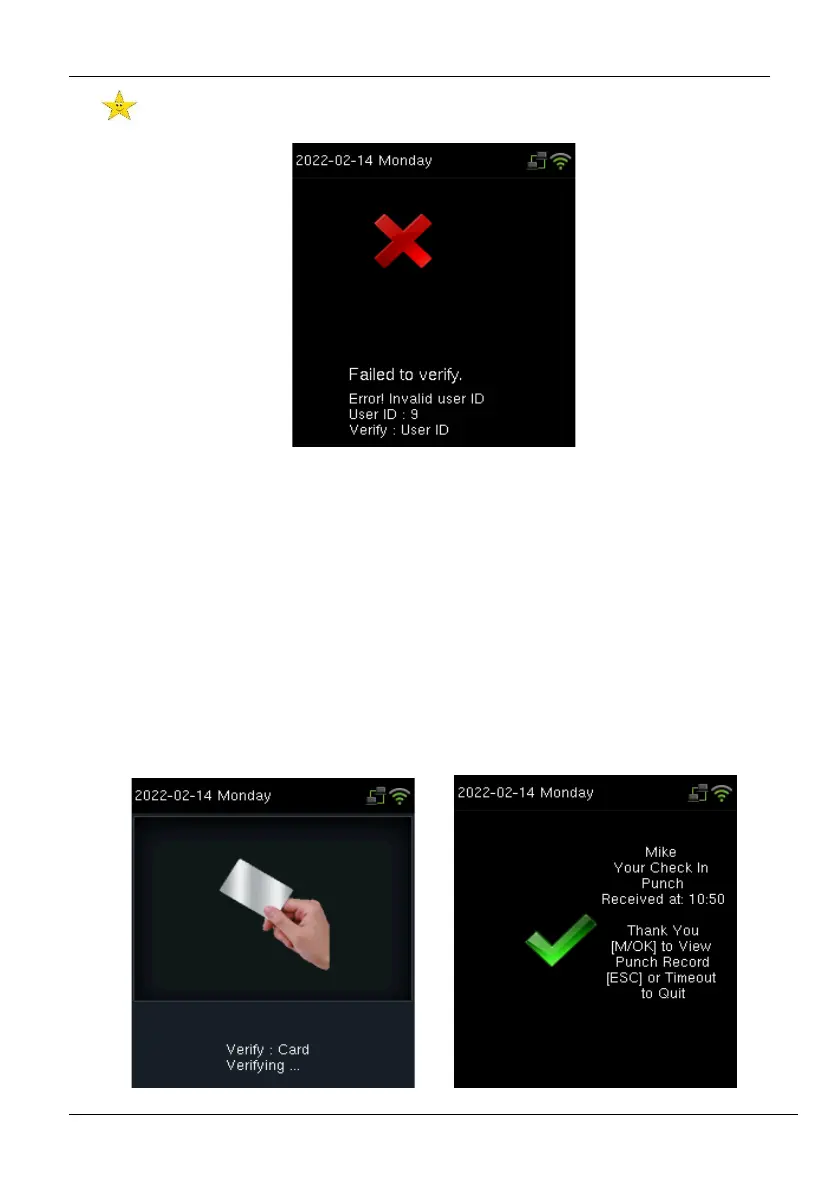
If the device displays "Error! Invalid user ID", then the User ID is not yet created.
If the device instructs "Please try again", then press your finger again. You can try 2 more
times. If the verification fails after trying for 2 more times, then the device returns to the
home screen.
2.5.3 Card Number
The card number verification can be done in two ways:
1: N Verification: The device compares the card number in the card induction area with all
the card number data registered in the device; The following is the card verification screen.



 To Next Page