NG-MB1/NG-MB2 User Manual
Page | 31 Copyright©2022 NGTeco. All rights reserved.
5.3 How to Transfer User Data
The user data can be transferred in two ways:
From Device to the USB drive
From USB drive to Device
5.3.1 Upload User Data from USB Drive toDevice
To add a large number of user data, you can directly upload it from a USB drive. The device
facilitates you to add bulk user data without any complexity in a short duration of time. The
procedure to upload the user data is given below.
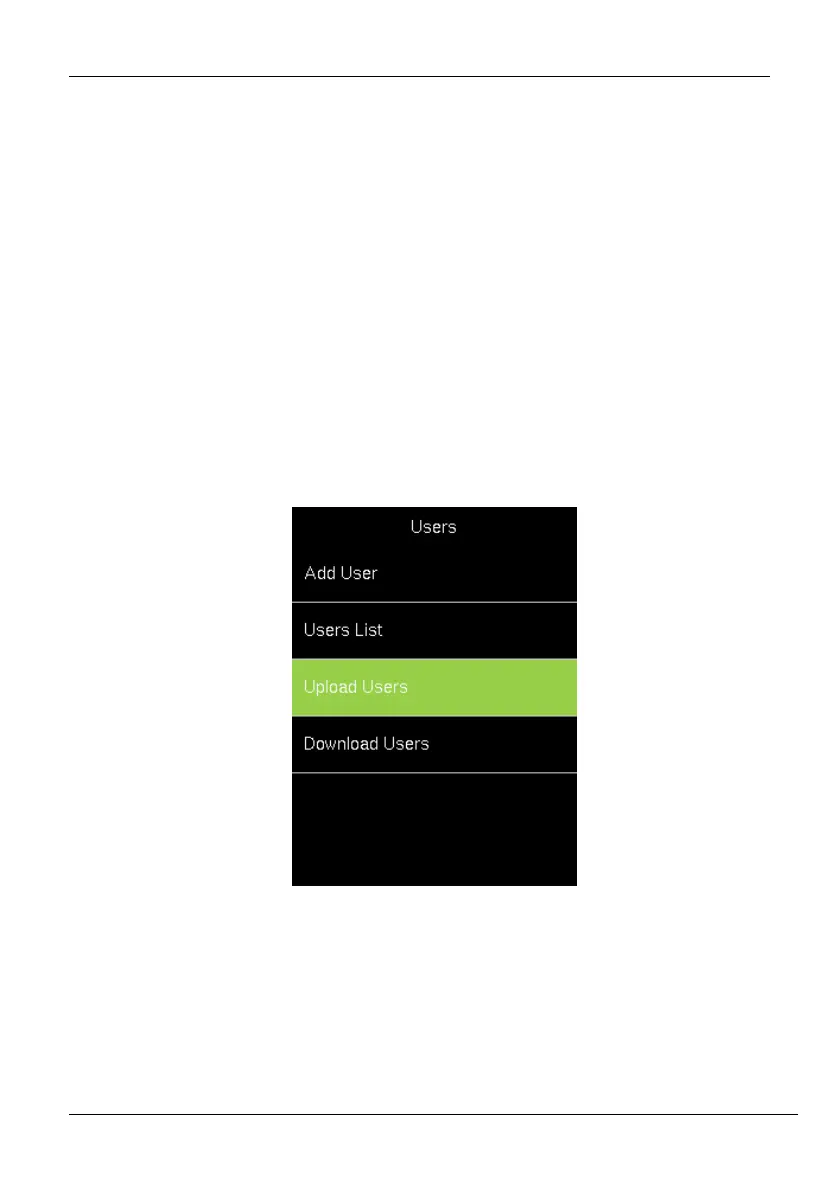
1. Go to [Users] and navigate to [Upload Users].
2. Insert the USB drive into the USB slot.
3. Navigate to [Download users template file] and press <M/OK>.



 To Next Page