NG-MB1/NG-MB2 User Manual
Page | 44 Copyright©2022 NGTeco. All rights reserved.
6.4 App Connection
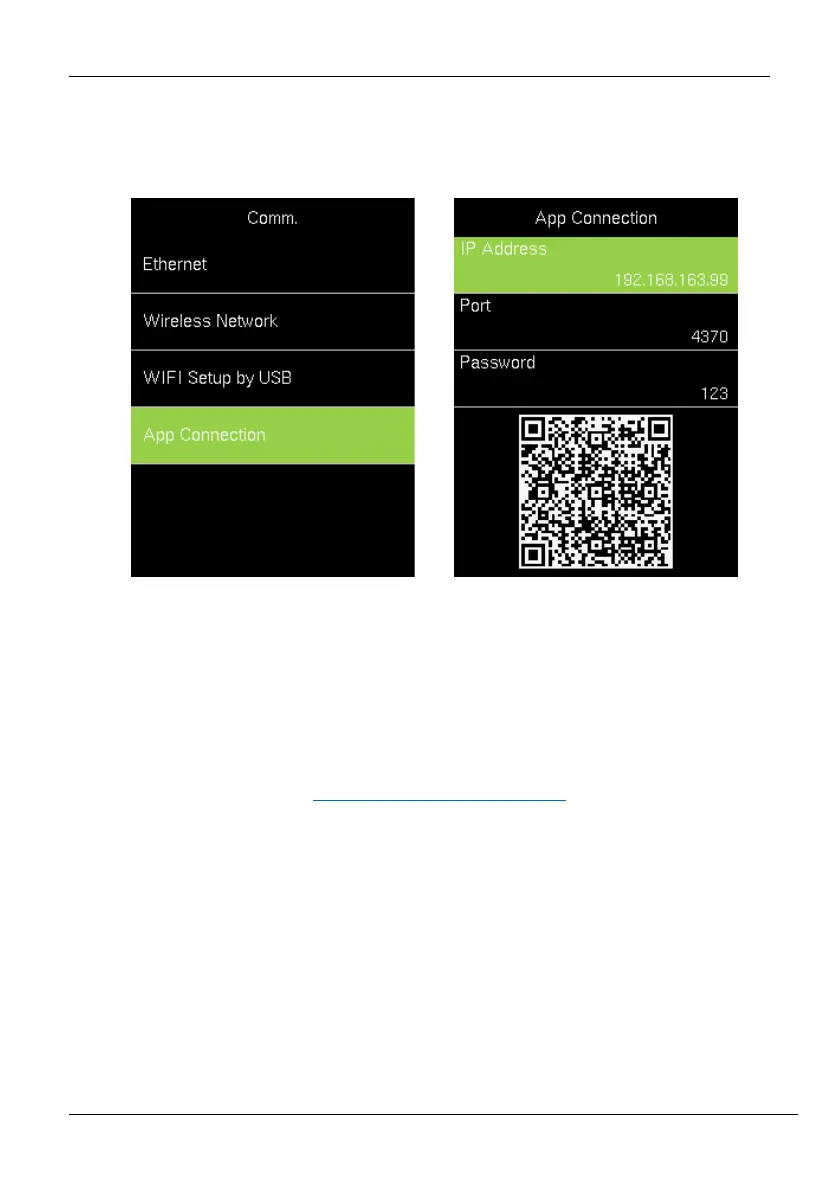
Go to [Comm.] and then [App Connection] to view the QR code.
IP Address: IP Address of the device.
Port: The Port number of the device.
Password: Password to connect to the NGTeco Time app.
Note: The device must be connected to Wi-Fi or the Ethernet successfully, otherwise the QR
code will not be displayed.
The process in detail refers to 14 Connect to NGTeco Time App
.



 To Next Page