NG-MB1/NG-MB2 User Manual
Page | 45 Copyright©2022 NGTeco. All rights reserved.
7 System
Here, the user can set the related system parameters to maximize the performance of the
device.
7.1 Date and Time
It is necessary to calibrate the date and time of the device before usage to ensure accurate
attendance time. The procedure to set the date and time is given below:
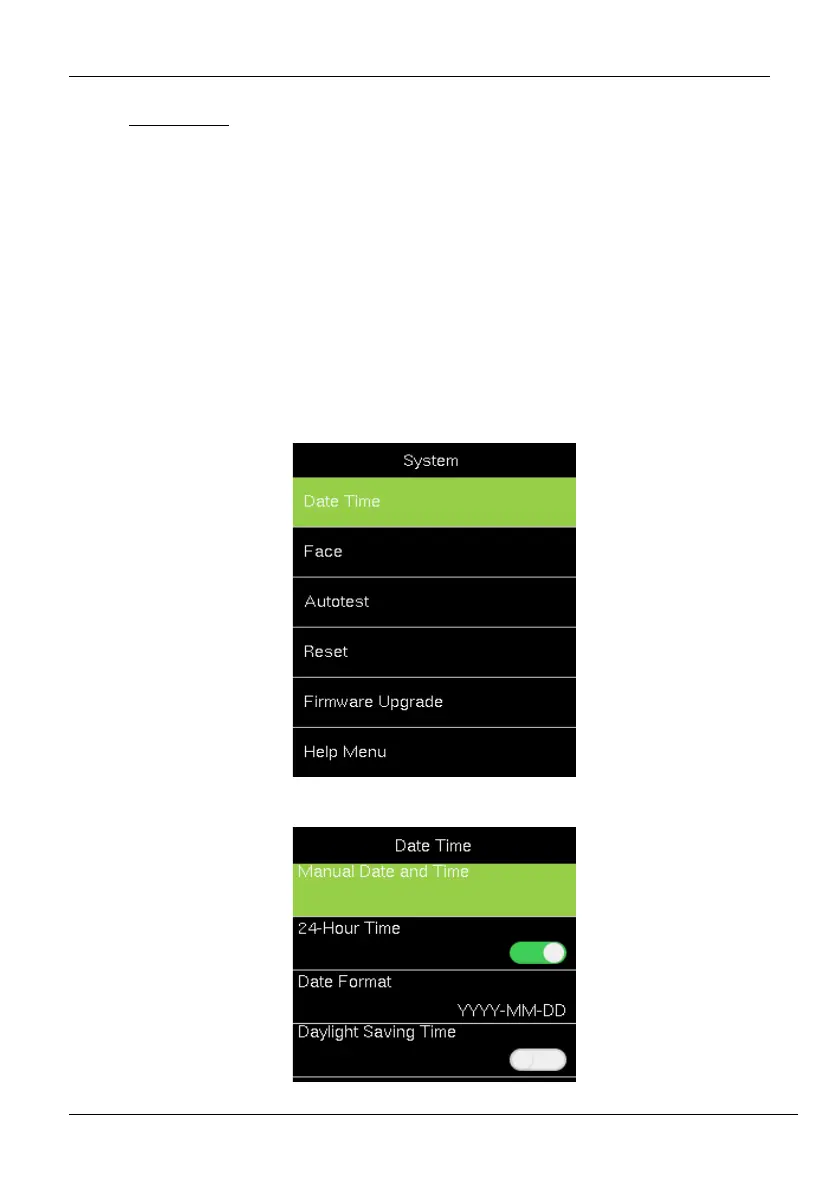
1. Go to [System] and press <M/OK>.
2. Then go to [Date Time] and press <M/OK>. The interface appears as shown below:



 To Next Page