NG-MB1/NG-MB2 User Manual
Page | 23 Copyright©2022 NGTeco. All rights reserved.
Pay Period: Set the Pay period type and Start day of the week.
Data (Data Management): Download Attendance Log, Delete Attendance/All Data, Delete
User Photo and Clean Permission.
Attendance Rule: Set the Attendance rule, such Maximum work hours, Day cutoff time,
Duplicate punch interval, Enable auto punch mode and View punch record.
Time Data: View the user’s Today’s record, History record, and Add missing punch.
Time Report: Select the Pay period, set the report hours format to download the time report.
System Info: Check the Device usage, Basic information, and Firmware information etc.
5 User Management
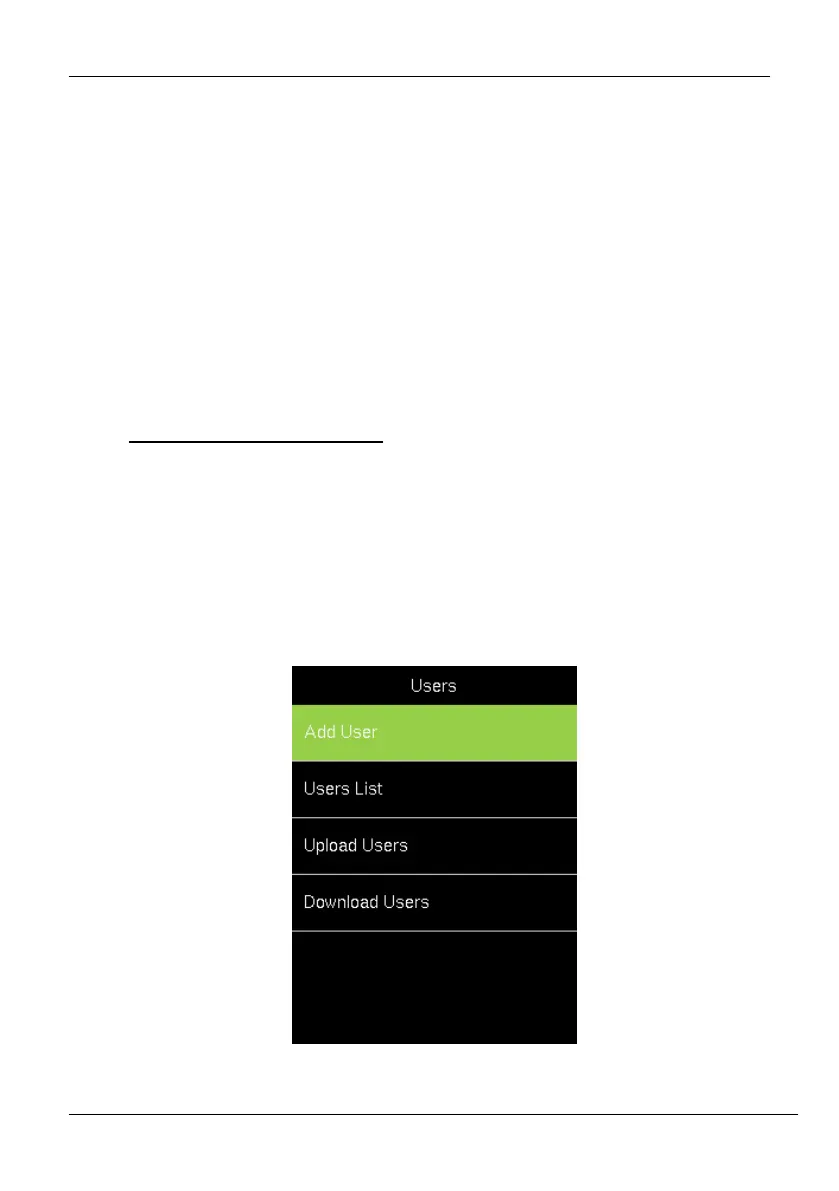
The Users menu frames a role-based access control and the tasks they can perform in the
device. The Administrator(s) can grant and revoke roles and permissions at the device level.
To change the permission of a user, the administrator(s) updates the role. It allows the
Administrator(s) to add new users, edit the details of an existing user,
uploading/downloading the user details from/to a USB drive.



 To Next Page