NG-MB1/NG-MB2 User Manual
Page | 17 Copyright©2022 NGTeco. All rights reserved.
2.5.4 Password
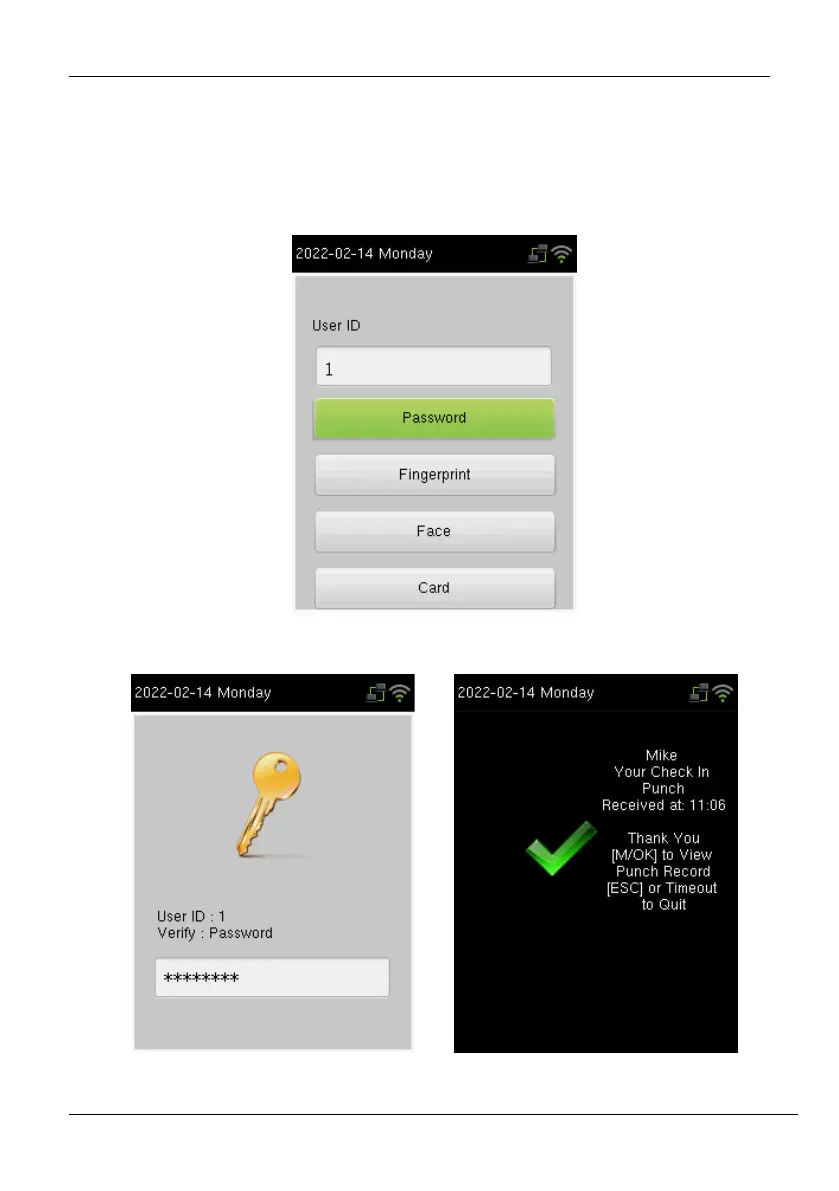
In the Password verification mode, the device compares the entered password with the
registered password corresponding to the User ID. If both the passwords match, then the
verification is successful.
If the verification is successful, the success message will be displayed as shown below:



 To Next Page