NG-MB1/NG-MB2 User Manual
Page | 29 Copyright©2022 NGTeco. All rights reserved.
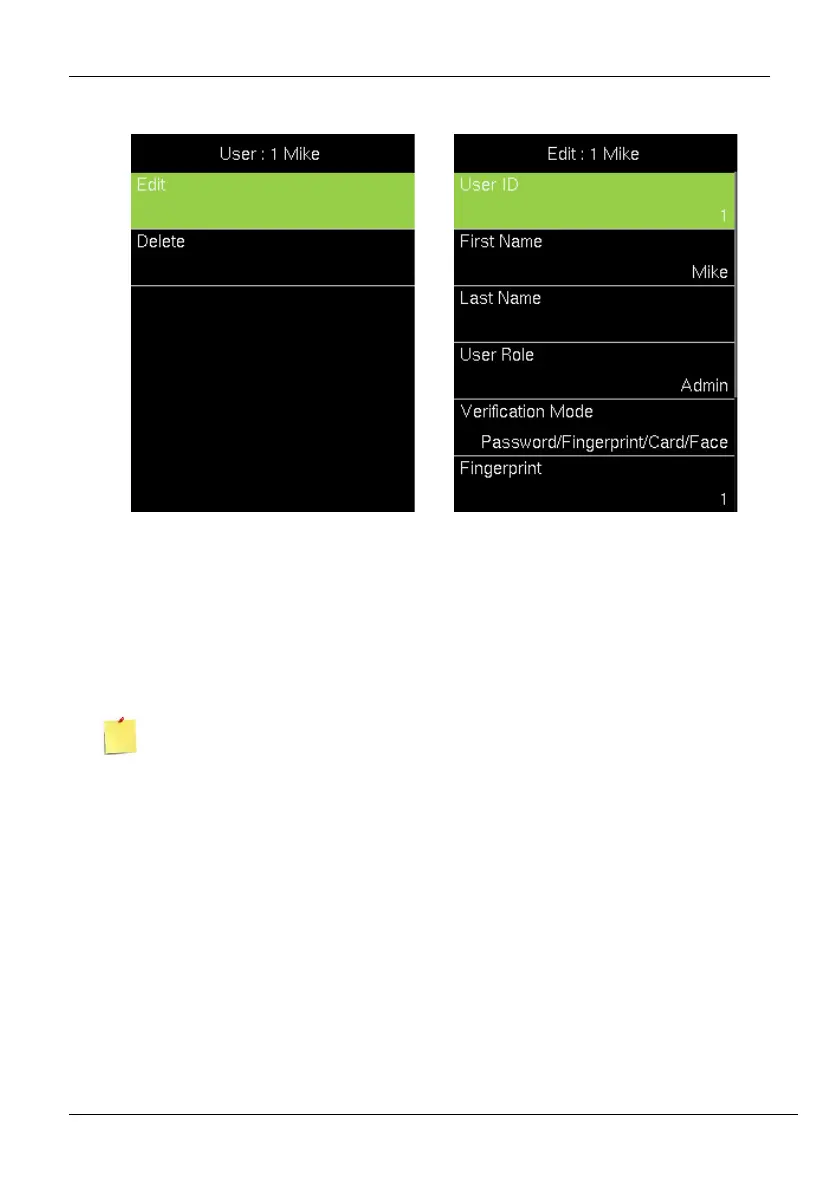
5.2.1 Edit User Details
1. Navigate to the corresponding field and make necessary changes. To add another
fingerprint, navigate to Fingerprint and press <M/OK>. Enroll the fingerprint. Similarly,
navigate to Password and press <M/OK>. Enter the New Password and confirm the
same.
2. Finally, press <M/OK> to save.
You cannot edit the ID of the user.
5.2.2 Delete User
1. If you require to delete a user permanently, navigate to the corresponding user and
select [Delete User].



 To Next Page