NG-MB1/NG-MB2 User Manual
Page | 51 Copyright©2022 NGTeco. All rights reserved.
Test Fingerprint Sensor: To test the fingerprint sensor by pressing a finger on
the scanner to check if the acquired fingerprint image is clear. When you are
pressing a finger on the scanner, the fingerprint image will display on the screen.
Test Face: To test if the camera functions properly by checking the pictures taken
to see if they are clear enough.
Test Clock RTC: Checks if the RTC (Real-Time Clock) is accurate.
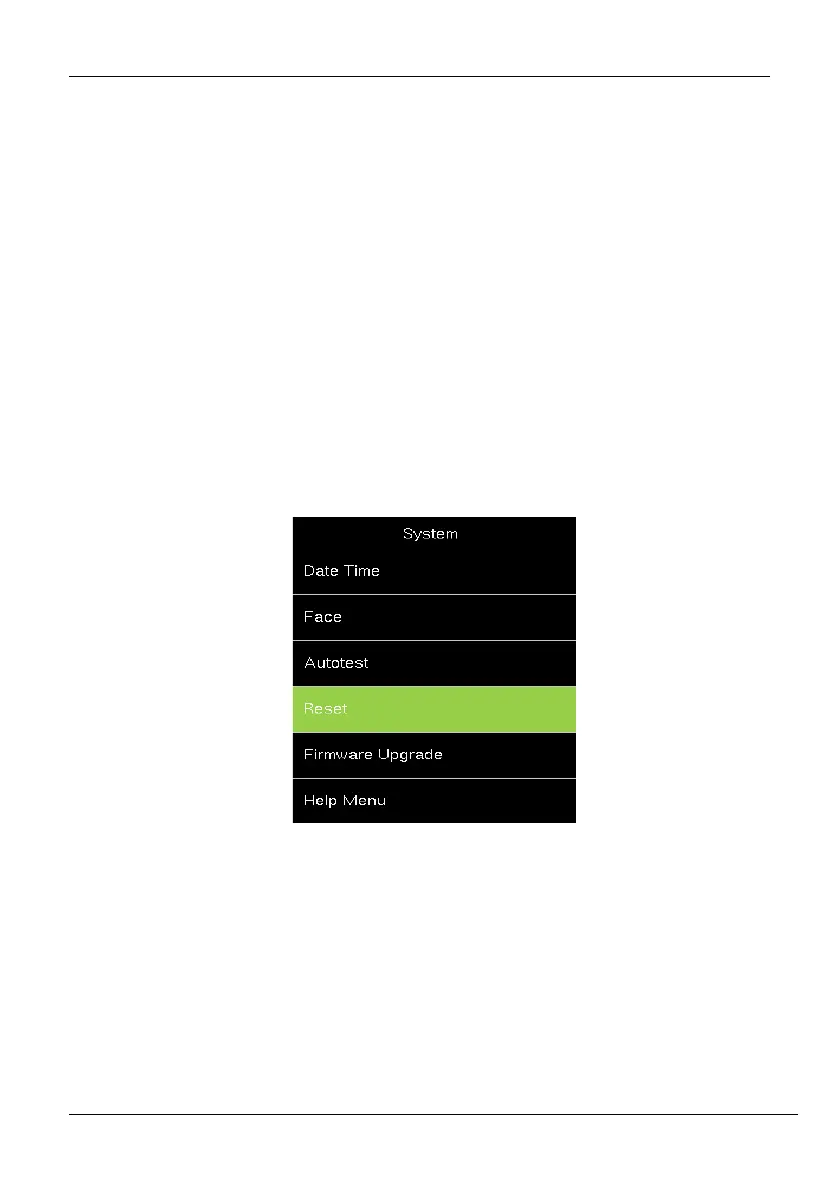
7.4 Reset
The menu is used to reset the Communication settings, System settings, etc.
1. If you need to reset the device, please enter [System], select [Reset], and press
<M/OK>.



 To Next Page