NG-MB1/NG-MB2 User Manual
Page | 63 Copyright©2022 NGTeco. All rights reserved.
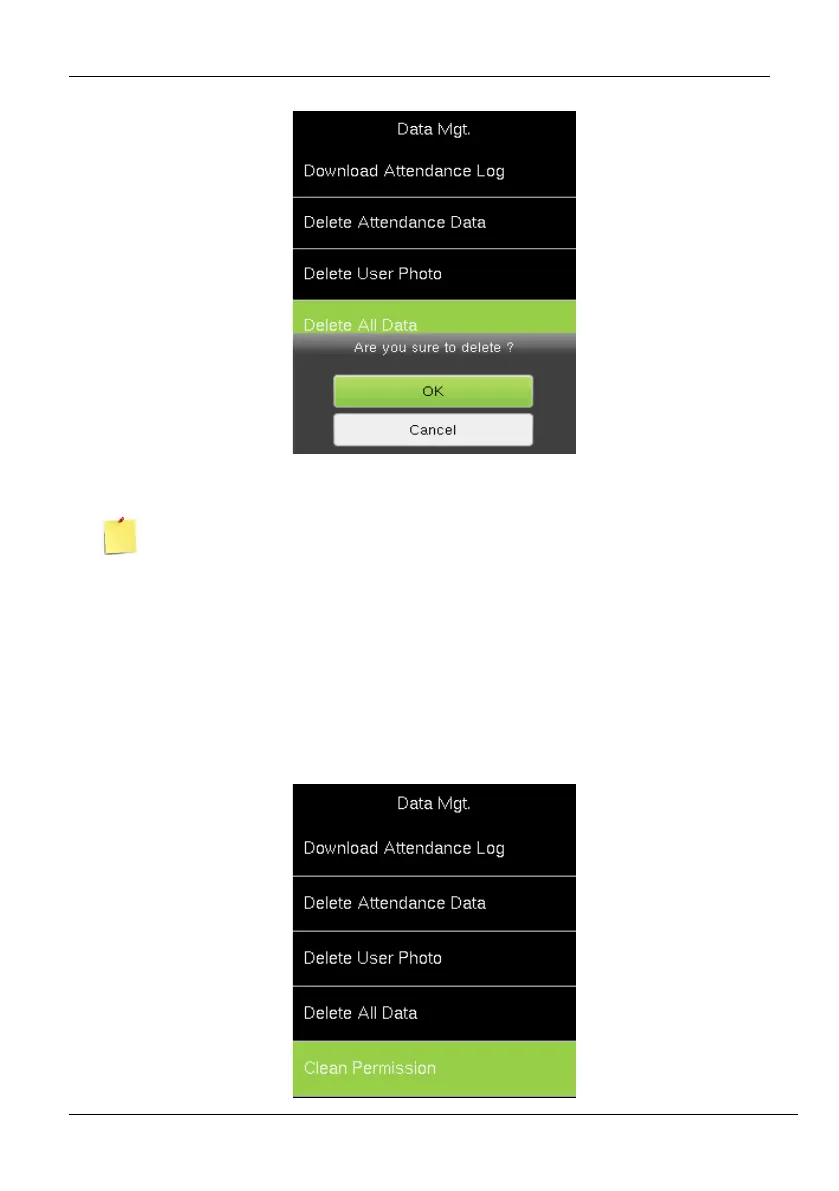
2. An alert will be displayed as shown below:
3. Press <M/OK> to delete all the data.
If you are sure to Delete All Data, all the information in the device will be deleted.
9.4 Clear Admin Privileges
You can reset the Admin privileges, and this can be done at a single instance instead of
doing one by one. The procedure is given below:
1. Go to [Data] then [Clear Permission].



 To Next Page